Why Most Bio Link Pages Fail Before Anyone Clicks
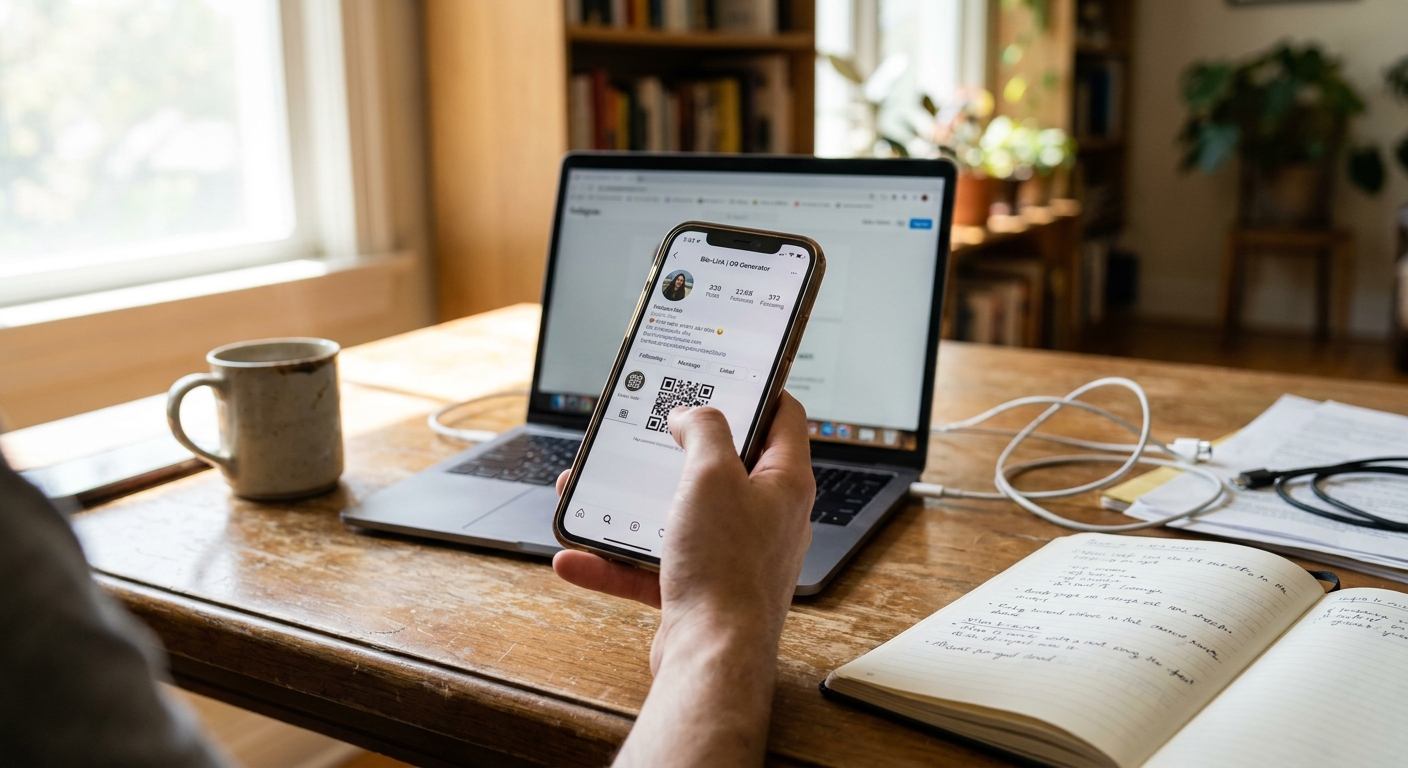
Imagine a career coach who spends hours perfecting her Instagram profile. She nails her photo, writes a bio that clearly describes her work, and then adds a single link to her website homepage. After two weeks, her Instagram engagement is up, but her email list barely moves and her course sales are stuck. The problem isn’t her content—it’s that her social media bio link points followers to a generic homepage, not to what they actually want. This is where a bio link page comes in. Most platforms only let you add one clickable link in your profile. If you use that link for your homepage, people have to dig around to find your newsletter or products. If you link only to your latest video, they miss everything else you offer. A bio link page solves this by turning your single link into a simple menu, making it easy for people to find exactly what they need from you. This is why setting up your bio link page matters so much for creators and brands.
Social media users have short attention spans and specific intents when clicking a profile link. They're often looking for a specific free resource, a recent update, or a quick way to buy something. Sending them to a homepage forces them to search, creating friction and leading to a high bounce rate. A dedicated bio link page directly addresses this need by providing immediate, relevant options.
What a Bio Link Page Actually Does
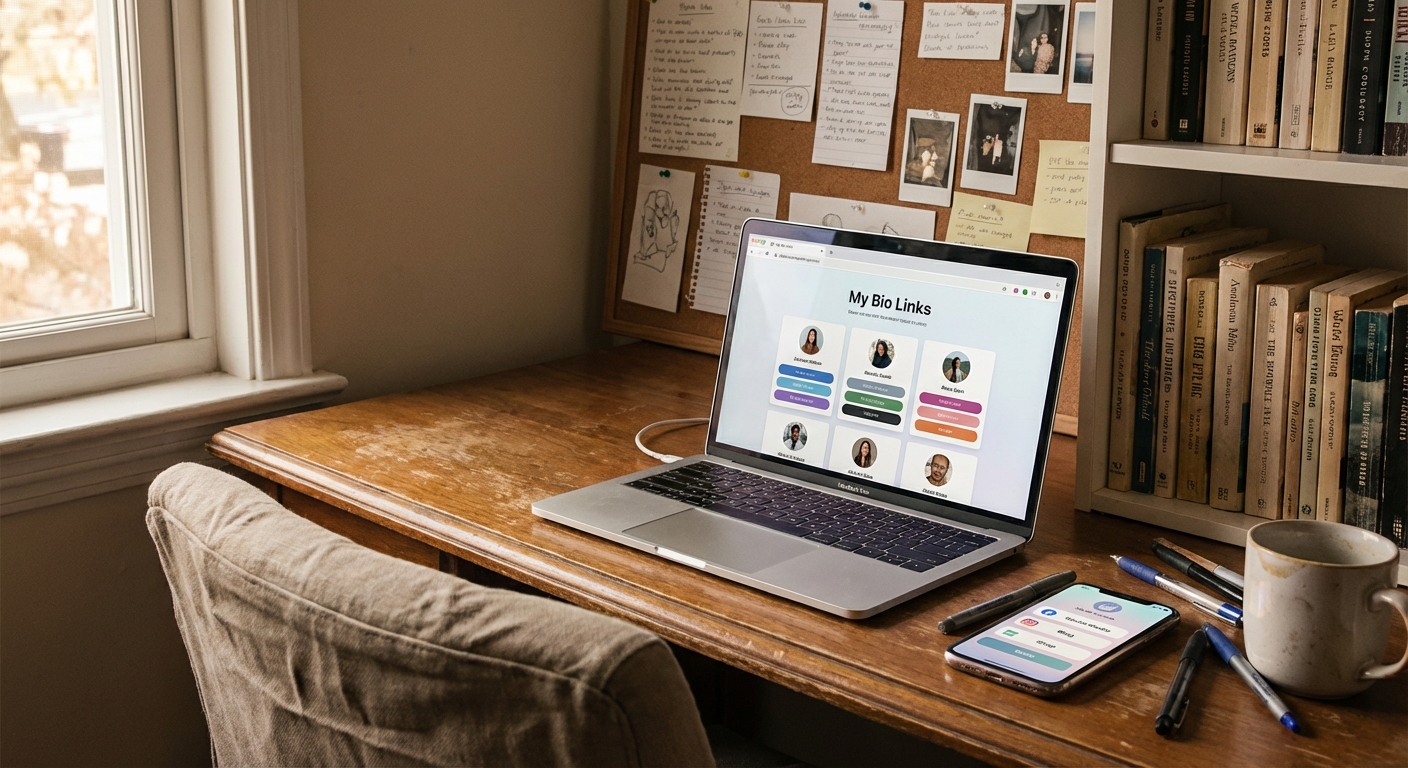
Your bio link page is a landing page that lives behind the link in your social media profile. Instead of forcing followers to choose one thing, you give them several clear options in one spot. Think of it as an always-updated digital business card. You can add links to your podcast, newsletter, blog, shop, or booking calendar—all visible at a glance. This works especially well because most people browse social media on their phones. According to Statista, over 60% of web traffic comes from mobile devices. Traditional websites can be slow or hard to use on small screens. A bio link landing page loads quickly and shows clear, direct buttons. No one has to scroll or search. For example, a fitness coach’s page might link to her workout app, free guides, YouTube channel, and a booking form. A freelance writer might link to his portfolio, Substack, LinkedIn, and a contact form. The goal isn’t to throw everything at your audience, but to give them the most useful next steps.
The primary benefit of a bio link page is its ability to simplify choices for the user. Instead of presenting a complex website navigation, it offers a curated list of your most important destinations. This reduces cognitive load for visitors, making it much more likely they will click on something that interests them, rather than becoming overwhelmed and leaving. It’s about guiding them efficiently to their desired outcome, whether that's signing up for a newsletter or exploring your latest product.
How to Create a Bio Link Page That Matches Your Brand
To create a bio link page that fits your brand, start by picking the top actions you want your audience to take. Many people list every platform or link they’ve ever made—that just overwhelms visitors. Instead, focus on three to six links that support your main goals. If you’re launching a course, highlight the course page and a testimonial video. If you want more email signups, feature your lead magnet and newsletter. After you know what to link to, pick a bio page builder that lets you control the design without needing to code. Tools like Linkx.ee let you choose your own colors, fonts, and button styles so your bio link page matches your brand’s look. This is more important than most people realize. If your social feed uses soft colors but your bio page is full of bright neons, it feels off and less professional. Make sure your page feels like a natural part of your brand. Add a clear headline at the top—not something vague like ‘Welcome!’ but something that tells people what’s inside, like ‘Free resources and coaching for new freelancers’. Arrange your links in order of priority. If you’re promoting a webinar, put that link first. If email signups are most important, move your lead magnet to the top.
Visual consistency plays a crucial role in building trust and recognition for your brand. When a visitor moves from your social media profile to your bio link page, the design should feel familiar, reinforcing your identity. Inconsistent branding, such as mismatched colors or fonts, can create a jarring experience and make your page seem less credible. By maintaining a cohesive visual style, you strengthen your brand presence and make visitors more comfortable interacting with your content.
Design Choices That Keep Visitors Engaged on Your Bio Link Landing Page
The way your social media bio link page looks can make a big difference in how many people actually click your links. Research from HubSpot found that 38% of people stop engaging with a website if the design is unattractive. This is true for bio link landing pages too. If your page is cluttered, uses too many colors, or has confusing buttons, people will leave before clicking anything. Use a single background color or a subtle gradient. Skip the busy patterns or giant images that make text hard to read. Your profile photo or logo should be near the top but not take up too much space. Each link should be a button with enough space around it so people don’t tap the wrong one by accident. Button labels should be specific—‘Download my free guide’ works better than ‘Click here’. The more clear you are, the more likely people are to tap. Stick to one or two font styles max. Use a large font for your headline and a smaller one for buttons. Avoid fancy script fonts that look cool in a logo but are hard to read on mobile. Make sure your page loads in under two seconds. Compress any images you use so they don’t slow things down. A slow bio page loses visitors before they even see your offers.
Beyond aesthetics, good design significantly improves the page's usability and accessibility. Clear typography, sufficient contrast, and well-spaced elements ensure that your bio link page is easy for everyone to read and navigate, regardless of device or visual impairment. Prioritizing a clean, functional layout over overly decorative elements ensures that the focus remains on your links and calls to action, directly guiding visitors to their next step without distraction.
Common Mistakes That Hurt Click-Through Rates on Your Personal Bio Link Page
One of the biggest mistakes is adding too many links. If someone sees twelve buttons, they often get overwhelmed and end up clicking nothing. Keep your personal bio link page to five or six links at most. If you have more to share, rotate your links based on what you’re promoting right now. Update your page every few weeks to match your latest goals. Another mistake is using generic link labels. A button that just says ‘YouTube’ doesn’t tell anyone why they should click. Instead, use something like ‘Watch my latest budgeting video’. For newsletters, swap ‘Subscribe’ for ‘Get my weekly freelance tips’. Being clear and specific makes people more likely to click because they know what to expect. Don’t forget to test your page on your phone before sharing it. Sometimes what looks great on desktop turns into tiny, hard-to-tap buttons or overlapping text on mobile. Always check your page on your own device, click every button, and make sure your headline is easy to read. These small steps keep your audience happy and help your conversion rates.
Many creators treat their bio link page as static, but regular review and adjustment are key for better results. Pay attention to which links perform well and which don't, even without formal analytics. If a particular link consistently gets fewer clicks, consider rewriting its label to make it more enticing or moving it to a different position. Continuously refining your content and presentation based on observed behavior helps to optimize your page's effectiveness over time.
When to Update Your Bio Link Page
Your bio link page should change as your content and goals change. If you release a new podcast episode each week, update the top link to point to it. If a special promotion ends, replace that link with your next priority. Some creators update their page daily, others do it weekly or monthly. How often you update depends on how much new content or offers you have. Seasonal changes are smart too. For example, a business coach might highlight a planning workshop in December and a goal-setting guide in January. A food blogger could feature holiday recipes in November and fresh salads in June. These updates show your followers that your bio link page is active and current, which builds trust. Leaving old links or broken buttons sends the opposite message. Whenever your main call to action changes—like shifting focus from YouTube to a paid community—move that link to the top and adjust your headline. Your bio link page is flexible. Use it to guide your audience to whatever matters most right now.
Keeping your bio link page updated communicates professionalism and active engagement to your audience. An outdated page with old promotions or inactive links can make your brand appear neglected and lessen user confidence. Conversely, a frequently refreshed page signals that you are active and attentive, encouraging repeat visits and fostering a stronger connection with your followers who know they will always find your most current and relevant offerings.
How to Track What Actually Gets Clicked on Your Bio Link Page
Building a great bio link page is only half the job. You also need to know what people are clicking. Most bio page builders offer analytics that show you how many clicks each button gets. This helps you see what your audience cares about most. If your newsletter link gets twice as many clicks as your product page, your followers might want more free content before they buy. Click data also helps you spot problems. If a link gets zero clicks for weeks, maybe the label isn’t clear or the offer isn’t interesting. Try changing the button text or swapping in a new link. If one link always gets the most clicks, try sharing more of that type of content on your socials. Some tools even show where your visitors come from—Instagram, TikTok, LinkedIn, etc. If most of your traffic comes from one platform, you know where your most active audience is. Use that info to plan your content and posting schedule.
Understanding your click data allows you to refine your content strategy across all your platforms. For instance, if a specific type of free guide consistently draws high engagement, you can create more content around that topic for your blog or social media. This feedback loop ensures that your efforts are always aligned with your audience's interests, leading to more engaged followers and better results for your brand objectives.
Connecting Your Bio Link Page to Other Marketing Tools
A strong personal bio link page should work with the rest of your marketing, not stand alone. If you use an email service, connect your page to a signup form so new subscribers are added automatically. If you sell digital products, link directly to the checkout page instead of a general shop. The fewer steps people have to take, the more likely they are to finish the action. You can also use your bio page to promote time-sensitive offers. If you’re hosting a live webinar, add a button for registration. Once the event is over, replace it with a link to the replay or your next event. This keeps your bio link landing page fresh and always focused on your latest offer. For coaches and consultants, pair your bio page with a booking tool. Add a button like ‘Schedule a free 15-minute call’ that links straight to your calendar app. This makes it easy for someone to go from finding you on social media to booking a call in just two clicks. That speed matters when someone is ready to take action.
Integrating your bio link page with other marketing systems creates a more unified and streamlined customer journey. By connecting to email, e-commerce, or booking platforms, you reduce manual effort and prevent potential drop-offs. This automation not only saves you time but also provides a professional and efficient experience for your audience, making it simpler for them to move from initial interest to becoming a client or customer.
Common Questions About bio link page
What is a bio link page?
A bio link page is a single landing page for your social media profile link. It lets you share multiple important links in one easy-to-access spot. This helps followers find your content and offers quickly.
How many links should I add?
It’s best to include three to six links on your bio page to avoid overwhelming visitors. Focus on your most important goals and current promotions. Too many options can make people leave without clicking anything.
Why is a custom design important?
A custom design ensures your bio page looks consistent with your brand colors and fonts. This visual consistency builds trust and makes your page feel professional. It also helps your audience recognize your brand instantly.
Can I track clicks on my page?
Yes, most bio page builders include analytics to track link clicks. This data shows which offers or content your audience finds most interesting. You can use this information to improve your page and content strategy.
How to Start Building Your Bio Link Page Today
If you don’t have a bio link page yet, start by listing the five most important places you want to send people. Put those in order of importance. Next, choose a tool that fits your needs. Look for features like custom colors and fonts, click tracking, and fast mobile loading. Linkx.ee offers bio page features made for personal brands who want clean layouts and easy updates. Once you pick a tool, set up your page with a headline, profile photo, and your top five links. Write clear, specific button labels for each link. Preview the page on your phone to make sure it looks right. Then update your Instagram, TikTok, or LinkedIn bio with your new bio link page URL. Test it by tapping every button to confirm they work. After your page is live, check your analytics once a week for the first month. Watch for trends in what gets clicked. Change button labels, reorder links, or swap out links that aren’t working. Your bio link page isn’t something you set and forget. It should change along with your brand and your goals. Treat it like a living part of your brand’s toolkit, and it’ll become one of your most valuable online assets.