What Does 'Link in Bio' Actually Mean?
If you've ever asked yourself, what does link in bio mean, you're not alone. You might be scrolling through TikTok or Instagram, see someone mention 'link in bio,' and wonder why everyone else seems to get it. When a creator says 'link in bio to stream now,' they want you to visit their profile and tap the clickable URL at the top. That's the 'link in bio.' It's just a simple, clickable web address that sits in your social media profile description. Whether you're on Instagram, TikTok, YouTube, or Twitter, there’s a spot in your bio where you can write a short intro and usually add one link. Most platforms don't let you put clickable links in regular posts or captions—especially Instagram and TikTok—so creators tell you to 'check the link in bio' to visit a website, shop, or see more content. That could be a product page, new song, blog post, or anything else they want to share. Now the link in bio meaning explained: it's your one shot to send followers from your profile to anywhere else online.
Why Do People Use Link in Bio on Instagram and TikTok?
Instagram and TikTok won't let you add clickable links to your post captions. You can type www.example.com all you want, but it just shows up as plain text. Only the bio section of your profile accepts a working link. That’s why you see 'link in bio' everywhere—it’s the only way to move someone from your content to a website, shop, or signup form. According to Hootsuite, Instagram has more than 2 billion monthly active users as of 2023, with most under age 35. Many are creators, small business owners, or people promoting something, and they all run into the same problem: one bio link, but lots of things to share. A clothing brand might want to link to new arrivals this week and a sale page next week. A musician might want to send fans to Spotify, Apple Music, and ticket sales all at once. But with only one slot, things get crowded. That's why link in bio tools became popular. Instead of a single link, you set up a landing page with multiple buttons. When someone taps your bio link, they see options for all your important pages. These pages are usually basic, with your profile pic at the top and a list of big, easy-to-tap buttons. Even if you didn’t realize it, you’ve probably used one before.
What Does Link in Bio Mean on Different Platforms?
The phrase what does link in bio mean started on Instagram, but now it's everywhere. TikTok doesn’t allow clickable links in video captions either, so the bio link is your only option. On YouTube, you can include links in video descriptions, but many creators still keep a main link in their channel bio so it’s always in one place. Twitter (now called X) lets you share links in tweets, but your one permanent link lives in your profile bio. Different platforms have their own rules. For example, Instagram may require a business or creator account to add a link if you have fewer than 10,000 followers (though this keeps changing). TikTok only lets you add a website link in your bio once you have at least 1,000 followers. Those rules can make it tough for new accounts to use the feature right away. On LinkedIn and Twitter, anyone can add a bio link with no follower minimums. No matter where you use it, the idea is the same: your bio is the one spot to guide followers to your most important pages, and if you want to share more than one thing, you need a tool that builds a multi-link page.
What a Link in Bio Page Looks Like
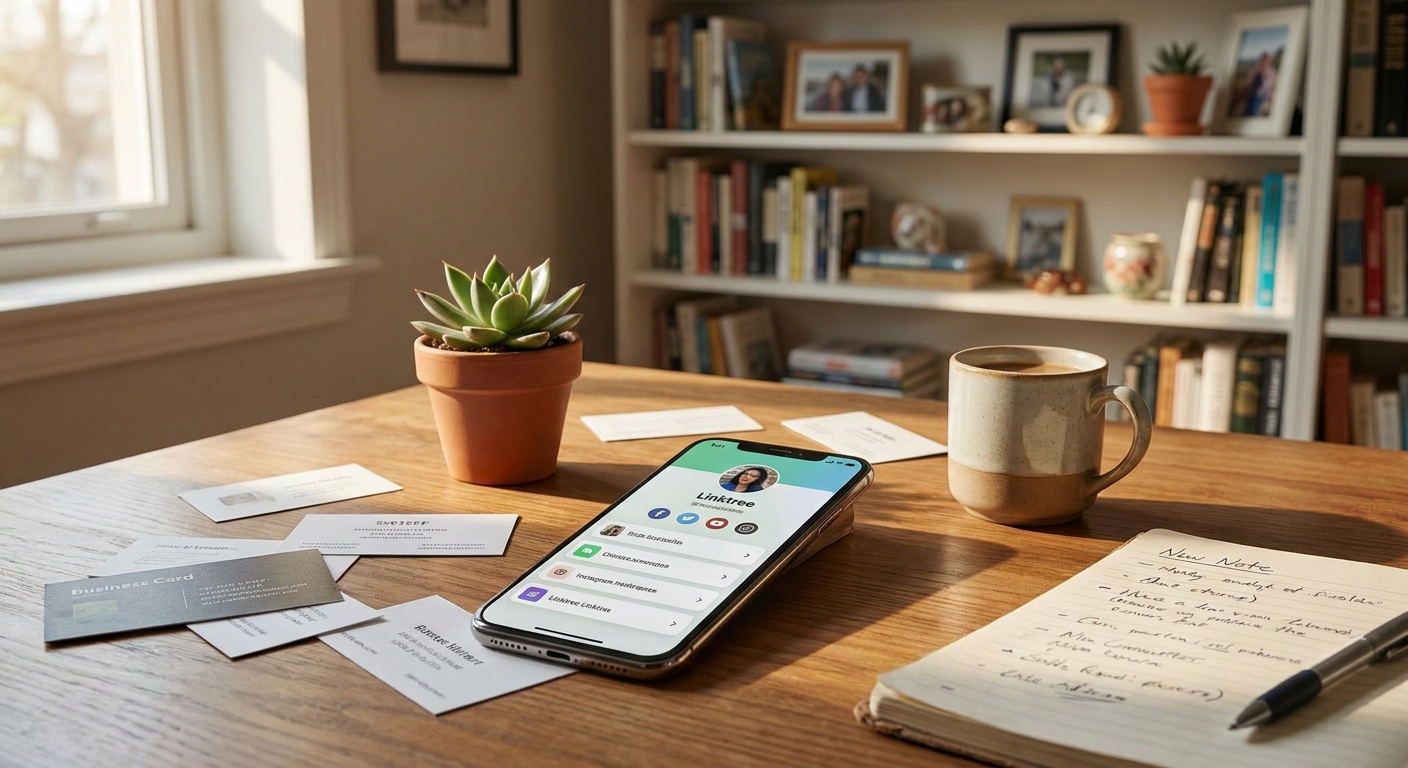
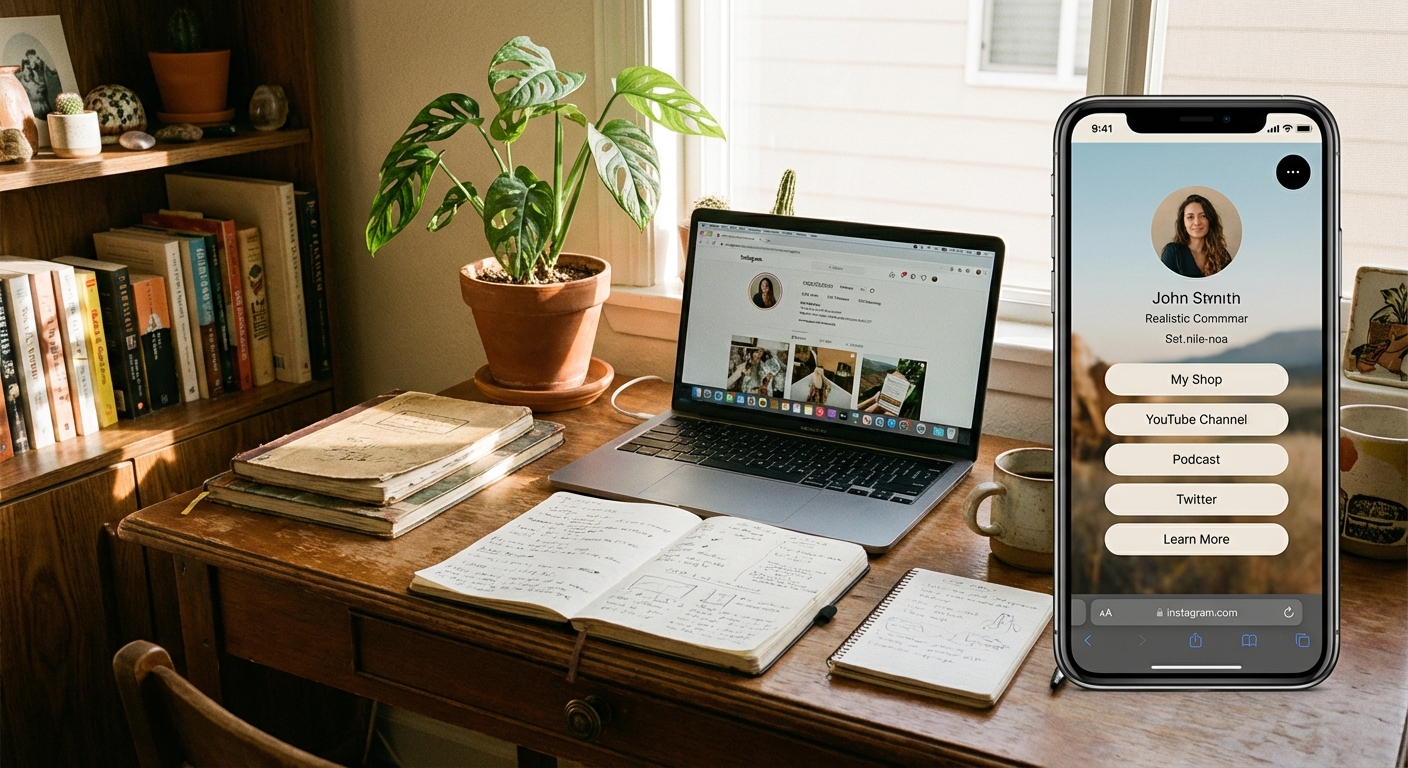
A standard link in bio page is clean and easy to use. At the top, you’ll usually see a profile picture and maybe a short line about you. Under that, you get a stack of buttons—each button has a clear label like 'Shop New Collection', 'Watch My Latest Video', or 'Book a Call'. Tap a button, and you’re off to that specific website. Some pages add extra features, too. You might see icons that link to your other social accounts, small image galleries, or even a contact form. The main goal is to give visitors a few clear choices, not a huge menu of options. Too much clutter makes it hard to decide and easy to leave. Good link in bio pages load quickly, work on any phone, and make it obvious what each button does. Most people keep the design simple: pick a background color, button style, and font, and that’s it. The whole point is to help people jump from your social media to the places you want them to go, fast.
Who Actually Needs a Link in Bio?
Anyone sharing content on Instagram, TikTok, or similar platforms who wants followers to visit more than one website can use a link in bio page. This includes influencers, small businesses, freelancers, musicians, podcasters, artists, coaches, and nonprofits. You don’t need to be selling something to benefit. For example, a student running a club could use it to share event signups, a group chat, and a fundraiser link. HubSpot reports that 80% of Instagram users follow at least one business account, so a big chunk of the platform is there for more than just fun. If you’re promoting a project, selling anything, or just want to organize your links, a bio link page helps. Even for personal use—like sharing your photo portfolio, commission info, or links to your favorite playlists—it saves you from constantly swapping out your one allowed link. Some worry that link in bio pages look too much like advertising, but social profiles are naturally promotional. If someone wants to learn more or support your work, a bio link makes it easier for them to do it.
How to Set Up Your First Link in Bio
Ready to set up your own? Start by picking a tool that builds link in bio pages. There are both free and paid options. Most free tools let you add as many links as you want, choose colors, and see how many people click each button. Sign up with your email, pick a username, and you’ll get a URL like linkx.ee/yourname. That’s the link you’ll put in your Instagram or TikTok bio. Next, add your buttons. Each one needs a short title and a destination URL—like 'My Portfolio' for your website, 'Buy Prints' for your Etsy, or 'Contact Me' for your email. You can drag buttons to change their order. Once your links are set, tweak the look: choose background and button colors, upload your profile photo, and check how it looks on your phone. When you’re happy, copy your new URL and paste it into your social media bio. On Instagram, go to Edit Profile and put it in the Website field. On TikTok, do the same under the Website section. Now, anyone who checks your profile and taps the link will see your bio page. You can update links any time—just log in to your tool, make changes, and everything updates instantly. No need to swap out the link in your bio again and again.
Common Mistakes People Make with Link in Bio
One of the biggest mistakes is adding too many links. If someone lands on your page and sees 15 buttons, they’ll feel lost and won’t click any. Stick with three to six links at a time, and focus on what matters most right now. If you’re running a sale, put that at the top. Just dropped a new video? Make it the first button. Clear out anything outdated so your page feels fresh. Another issue is using labels like 'Click Here'—that doesn’t tell anyone what they’ll get. Instead, use clear, specific labels like 'Shop Winter Sale' or 'Watch My New Video'. People are more likely to tap when they know exactly where they’re headed. Some users forget to update their link in bio page. If you never add new links or remove old ones, your page can look abandoned. Make it a habit to update your page whenever you’re promoting something new or want to highlight different things. A stale link in bio page can make followers trust you less.
Tracking What People Click
Most bio link tools come with built-in click tracking. You’ll see how many people visit your page and how many tap each button. This helps you spot what your audience cares about most. If your 'Shop Now' button gets 200 clicks and your 'Read My Blog' button gets 10, you know which content is working. You don’t have to check stats every day, but take a peek once a week. If a button gets no clicks, maybe the offer isn’t interesting or the label isn’t clear—try moving it higher or changing the text. If something gets lots of clicks, consider making more content like that. Some advanced tools show extra data like where your visitors are from, which devices they use, and what time of day they click. That’s handy if you’re running a business, but for most people, knowing which links get clicks is all you need to improve your page.
Free vs Paid Link in Bio Tools
For most people, free link in bio tools do everything you need. You can add unlimited links, pick colors and fonts, and track clicks at no cost. The main difference is branding—a free tool might add a small logo at the bottom that says 'Powered by [Tool Name]'. Some people don’t mind, but others want a totally clean look. Paid tools remove branding and add bonus features like custom domains (for example, bio.yourname.com), detailed analytics, email signup forms, or even video backgrounds. Paid plans usually cost $5–$15 per month. If you’re just getting started, try a free tool first. You can always upgrade later. A platform like Linkx.ee offers free bio profiles, link management, QR codes, and smart redirects—everything you need to get started, without making things complicated.
Using Link in Bio for More Than Just Links
Bio link pages have grown beyond just a list of links. Many tools now let you embed content right on the page—like a Spotify player so fans can listen to your music, a YouTube video preview, or a gallery of recent Instagram posts. This can make your link in bio feel like a mini website. Some creators use their bio link as a contact hub. Instead of listing your email in your Instagram bio, add it as a button on your link in bio page, plus phone, WhatsApp, and a contact form. That way, people can pick how they want to reach you. This is perfect for freelancers or anyone working with clients. You can also use your link in bio for lead generation. Add a button to a newsletter signup form or a free download, like an ebook or checklist. That turns random social media followers into email subscribers you can reach directly.
Common Questions About what does link in bio mean
What is a link in bio used for?
A link in bio lets you guide social media followers to an external website. It can direct them to a shop, a new video, a blog post, or any other important page. This is useful because most social platforms don't allow clickable links in posts.
Where is the link in bio on Instagram?
On Instagram, the link in bio is in your profile description, right below your name and short introduction. To find it, tap on a user's profile icon, and it will be the clickable URL displayed there. You can edit this link by going to your profile and tapping 'Edit Profile', then entering the URL in the 'Website' field.
Can anyone add a link in bio?
Most platforms allow users to add a link in their bio, though some have specific requirements. For example, TikTok might require 1,000 followers, and Instagram may have different rules for business or creator accounts. On platforms like LinkedIn and X (Twitter), it's generally available to all users without follower minimums.
How do I make a multi link in bio?
To make a multi-link in bio, you use a special tool that creates a landing page with several buttons. You sign up for a service, add all the links you want to share, and then place the single URL from that service into your social media bio. When someone clicks your bio link, they'll see all your options on one page.
What to Do Next If You Want Your Own Link in Bio
Ready to try it yourself? Pick a free tool and create your first link in bio page—it takes about five minutes. Think about the top three things you want followers to see and make a button for each one. Pick some colors you like, then paste the link into your Instagram or TikTok bio. Test it by tapping the link from your own profile. After it’s live, mention it in your next post or video—say something like 'All my links are in my bio' or 'Tap the link in my bio for more.' Check your analytics over the next week to see what people are clicking. You might be surprised how many actually check it out. Want to go further? Explore tools that let you add QR codes or custom URLs. A QR code linking to your bio page can go on business cards, flyers, or even product packaging—just scan with your phone and land on your link in bio page. If you want to keep things organized and make managing your bio links easy, build your first page with Linkx.ee and see how much simpler it is to share everything from one spot instead of switching your bio link all the time.