What Does 'Link in Bio' Actually Mean?
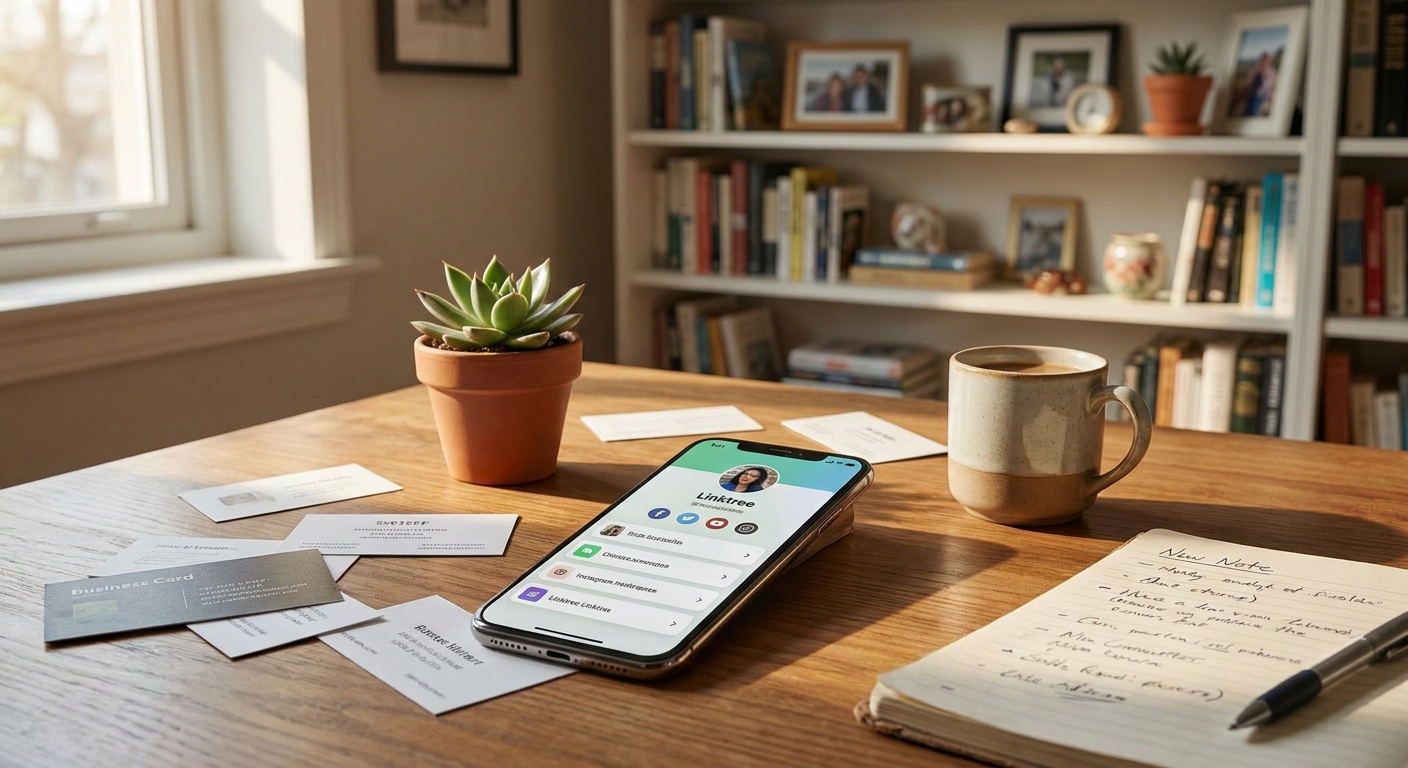
Ever notice how creators on Instagram or TikTok tell you to check the 'link in bio'? You might be wondering, what is link in bio, and why does everyone talk about it? Let's break it down. When you see 'link in bio', the creator wants you to tap on their profile and click the only clickable URL they're allowed to share. Instead of a direct website, that single link usually leads to a menu page with several buttons—each one sending you to something different, like their store, YouTube channel, or latest post. This setup is called a bio link or 'link in bio' page.
The phrase started because Instagram and TikTok only let you add one clickable link to your profile. If you have more than one thing to share, you can't just paste a bunch of links in your bio—they won't work. So people began using special landing pages as a workaround. When someone says 'link in bio', they're telling you: go to my profile, click that one link, and you'll find everything I want to share in one spot.
What Is Link in Bio? Why Social Platforms Limit Links
To really get the link in bio meaning, you should know why these platforms set the rules. Instagram launched in 2010 with no profile links at all. Later, they allowed one link per profile. TikTok copied this idea. The reason? They want you to stay on their app, not wander off to other sites. According to Statista, Instagram had more than 2 billion monthly active users in 2023. That's a huge crowd, all stuck with just one link to share anything.
This makes things tricky. Picture running a small business making candles. You want people to see your online shop, sign up for your newsletter, follow your YouTube, or read your blog. You can't fit all those into one link, and constantly swapping your profile link leaves old posts with dead ends. That's why the 'link in bio' concept took off. It gives you control. You create a single landing page with all your important links, put that page's URL in your bio, and every post can send followers there. Suddenly, you never have to worry about broken links again.
How Does a Bio Link Actually Work?
So, what is a bio link in practice? Think of it as a mini-website that holds all your important links in one easy-to-find spot. Imagine a restaurant menu, but for your online presence. Each button or link goes to something different. One person might check out your shop, while someone else listens to your podcast. Everyone starts at the same page, then picks what interests them.
Here's how it works: first, you use a platform (like Linkx.ee) to make your bio link page. You add the links you want—your website, products, social media, or anything else. Each gets its own button. Then you copy that page's URL and paste it in your Instagram or TikTok bio. When someone clicks your profile link, they see your menu and pick what they want. You can keep it simple with plain text, or dress it up with photos, colors, and your own style.
The most important thing? Make sure your bio link page works on phones. According to HubSpot, over 50% of global web traffic comes from mobile devices. If your page isn't easy to use on a small screen, most people won't bother with it.
Who Uses Link in Bio and Why?
The link in bio definition started with content creators. YouTubers want to share their latest video, merch, and Patreon in one place. Photographers link to their portfolio, print shop, and booking calendar. Musicians need buttons for Spotify, Apple Music, gigs, and fan clubs. One profile link just can't cover it all.
But now, almost anyone can use a bio link. Small businesses help customers find their shop, reviews, and contact info. Freelancers show off projects, testimonials, and booking forms. Event organizers share signups, schedules, and sponsor pages. Nonprofits link to donation pages, volunteer forms, and impact reports. Even students can put their resume, portfolio, and contact info all in one spot when job hunting.
The real benefit is flexibility. You're not stuck with one link or one purpose. If your goals change, just update your menu page—the URL in your bio stays the same. No broken links, no confusion. People always know where to look for your latest stuff.
Common Features You'll Find in Bio Link Tools
- Custom buttons: Add as many links as you want, each with its own label or icon. Put your most important ones up top.
- Design options: Change colors, fonts, backgrounds, and layouts to match your vibe. Some let you add a logo, photos, or videos so your page feels personal.
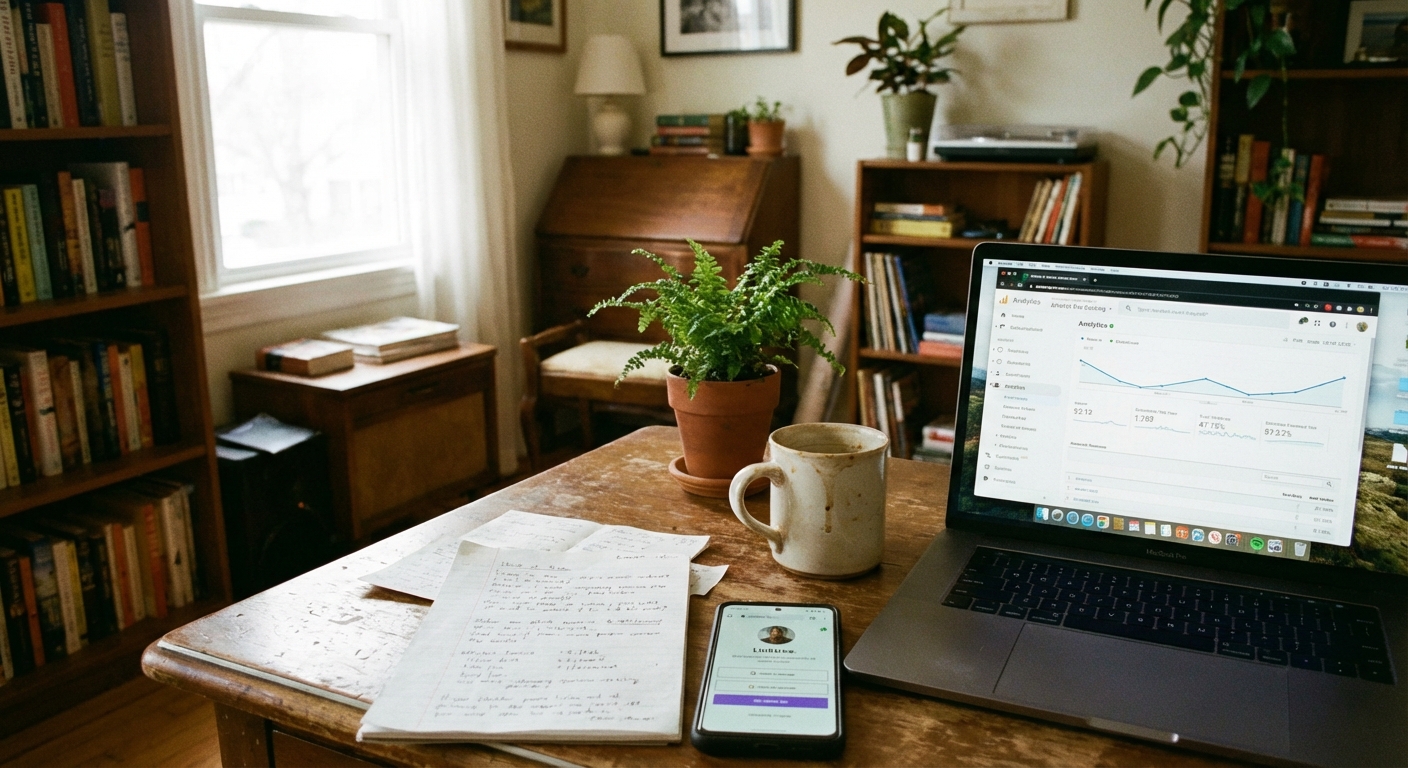
- Analytics: See which links get the most clicks, what time people visit, and where your visitors are from. This helps you figure out what your audience likes best.
- Scheduling: Make certain links appear or disappear at certain times. Perfect for limited-time sales or live events.
- Embed options: Add contact forms, newsletter signups, or even videos right on your bio page. This means people can take action without leaving.
- Multiple profiles: Manage different pages for your projects, brands, or side hustles all from one account. Everything stays organized.
Not every tool has every feature, but these are the ones that can really help you do more than just share a few links.
Setting Up Your First Bio Link Page
Making your own bio link page is simple and quick. Start by listing the three to six most important places you want people to go. Don't include every link you've ever made—focus on what matters right now. If you're selling something, put your shop link first. If your goal is growing an email list, move the sign-up higher.
Next, pick a tool that works for you. Platforms like Linkx.ee let anyone build a bio page in minutes, even if you have zero tech skills. Add your links one by one, write clear labels for each button, and choose colors or images that match your brand. Keep the design simple—too many colors or wild fonts can make your page hard to read.
Once your page is ready, copy the URL and paste it into your Instagram or TikTok, or any other profile. Test it on your phone to check that every button works. If anything's broken, fix it before announcing your page. A link that doesn't work tells people not to trust you.
After your bio link page is live, start telling people about it. Use phrases like 'check the link in my bio' or 'find all the details in my bio' in your posts so followers know exactly where to go.
Mistakes People Make With Bio Links
The biggest mistake? Adding too many links. When someone lands on your page and sees 15 buttons, they get overwhelmed and usually leave without clicking anything. Keep it focused—five to seven links work best. If you have more, ask yourself which ones you really need right now and move the rest lower or remove them.
Another common problem is using labels that don't tell people what they'll find. A button that just says 'click here' or 'more info' doesn't help anyone. Instead, be specific: write 'shop handmade candles' instead of just 'shop', or 'watch my latest YouTube video' instead of 'watch'. The clearer your labels, the more clicks you'll get.
Some people forget to update their bio page when things change. If you're promoting something new but your bio link still highlights last month's sale, you're confusing your audience. Check your bio link every few weeks and make sure it's up to date with your current goals.
Finally, skipping your analytics is a missed chance to get better. Most bio link tools show you which buttons get the most clicks. If one link never gets used, move it down or swap it out. Use the data to improve your page instead of guessing.
Bio Links Beyond Instagram and TikTok
Instagram and TikTok made bio links popular, but you can use them anywhere you're limited to one link. Twitter only lets you add one profile URL. LinkedIn does the same. Even email signatures look cleaner with one link to your menu instead of a list of messy URLs.
Podcasters drop their bio link in show notes so listeners can find sponsors, related episodes, and social profiles all in one place. Twitch streamers use them for donations, merch, and Discord invites without crowding their panels. Basically, if you ever need to share a bunch of links but only have space for one, a bio link page makes life easier.
They're even great offline. Put a bio link on business cards or flyers, so people only have to type (or scan) one URL to find everything you offer. Using a QR code that goes to your bio page is even faster and lets you update the links whenever you want—no need to reprint anything.
Common Questions About what is link in bio
What is a link in bio used for?
A link in bio acts as a central hub for all your important online content. It lets you share multiple links from a single clickable URL on social media profiles. Creators and businesses use it to direct followers to their shop, website, videos, or other platforms.
How to make a link in bio page?
First, choose a service like Linkx.ee to create your page. Add the specific links you want to share, labeling each one clearly. Then, copy your unique bio page URL and paste it into your social media profile's designated link section.
Are link in bio services free?
Many bio link platforms offer free versions with essential features. These usually include basic customization and link management. Paid plans often provide more advanced design options, analytics, and extra integrations.
Why can I only have one link on social media?
Social media platforms like Instagram and TikTok limit profile links to keep users on their apps. This encourages in-app content consumption. The single link restriction also helps simplify profiles and reduce clutter.
Getting Started Today
Ready to set up your own bio link? Start by choosing a tool that's simple to use and free or affordable. You don't need all the advanced features right away, but make sure you can add more later if you want.
Make a short list of the links you want to share right now—maybe your shop, main content, or a contact form. Write a clear label for each. Then pick a basic design that matches your style, but remember: your page should make it easy for people to find your links, not distract them with fancy backgrounds.
Once your page is live, add the URL to every profile you use—Instagram, TikTok, Twitter, LinkedIn, and even your email signature. Mention your bio link in your posts so people always know where to find your stuff.
Watch your analytics after a week or two. Move the most popular links higher on your page and swap out anything people ignore. The more you tune your bio link page, the better it works for you.
With Linkx.ee's free bio profile builder, you can build your page, track your clicks, and update your links anytime. No need to know coding or design—just add your links, share your page, and let your audience find exactly what they're looking for.