Why Your Current Bio Link Setup Is Losing You Streams
If you make music, you know the struggle. A bedroom producer drops their first single. It goes on Spotify, gets a YouTube video, and gets chopped up for TikTok and Instagram. But when it’s time to share, Instagram only lets you put one link in your bio. You choose Spotify because it’s the biggest. Two weeks later, your YouTube views are stuck at 47, and your TikTok comments are full of people asking where to find the full video. This happens to independent musicians every day. You create on multiple platforms because that’s how streaming works now, but social bios give you one shot. Pick wrong, and you miss out. Pick nothing, and fans give up. According to a 2023 report from MIDiA Research, indie musicians now make money from around five platforms, but most social bios still point to just one. That’s why using a linktree for musicians is important—one link that gets your fans everywhere you are.
This problem isn't just about a few missed streams; it impacts your growth. When fans can't easily find all your work, they might lose interest and move on. Consolidating your online presence into a single, accessible hub makes it much simpler for listeners to explore everything you create, from new singles to older tracks and merchandise.
What a Linktree for Musicians Actually Does
A music linktree page is a landing page where all your music and social links live. You put one link in your Instagram or TikTok bio, and when fans tap, they see every place your music exists. They pick their favorite—Spotify, Apple Music, YouTube, merch, tickets, whatever. You’re not forcing everyone into one platform and losing people who prefer another. Some pages even let you embed streaming players, so fans can hear your music without clicking away. Most independent artists set up these pages because you can do it fast, it works great on phones, and you can update links anytime you release new music. Building a full website takes weeks and money. Setting up a link in bio page takes about ten minutes and is often free to start.
Beyond just listing links, these pages create a personalized hub for your brand. They remove friction for fans, making it effortless to switch between different platforms. This ease of access can lead to more listens, more followers, and ultimately, more revenue for independent artists who are juggling many creative and business tasks.
Essential Features Every Artist Link in Bio Page Needs
Not every bio link tool works for musicians. You need more than what fashion creators or lifestyle influencers use. Here’s what actually matters for a real music linktree page:
- Streaming embeds: Your page should show a Spotify, YouTube, or SoundCloud player so fans can listen right away. If they like it, they’ll follow or save your music. The embed helps get your sound out fast.
- Link scheduling: If you have a presave link this week and a tour announcement next week, scheduling lets you move them automatically. You don’t have to wake up at midnight or remember to swap links before a release.
- Mobile-first design: Over 90% of social users are on phones (Statista). Your page has to be fast, easy to tap, and look great on any screen. Slow pages and tiny buttons make fans leave.
- Analytics: You should know what fans actually tap—are they more into your Spotify or your YouTube? If your merch link gets no clicks for months, you might need to focus somewhere else. Some platforms break down clicks by traffic source, so you can see if Instagram fans act differently than TikTok fans.
How Linktree Bands and Artists Use These Pages Differently
Bands and solo acts use link in bio pages in their own ways. A solo producer might link to streaming sites, Patreon, and a beat store. A full band could have the same plus links to each member’s socials, a mailing list for tour news, and their booking agent’s contact. Bands need to keep their branding tight—your link page should look like it belongs to you, with matching album art, posters, or logos. Some tools let you customize backgrounds and colors, but others force you into generic templates that look like everyone else’s. Collaborations can get messy. If you’re featured on someone’s track, you both want to share it, but your main linktree for musicians may focus on your solo stuff. Some artists make special pages just for side projects or collabs, so your main profile stays clean but you still promote everything you’re part of.
For solo artists, a bio link page might serve as a direct portal to their personal brand and unique sound. They often prioritize links to their main streaming profiles, digital stores for beats or samples, and perhaps a personal blog or newsletter. Bands, on the other hand, often use these pages to present a unified front while also giving individual members space to link their personal projects or social media, fostering a sense of community around the group.
Why Musicians Need an Alternative to the Biggest Name in Link Pages
The most popular link in bio platform gets the job done for some, but musicians usually hit the ceiling fast. Free plans might limit you to five links when you need eight streaming sites plus merch and tickets. Some don’t let you add music players or presave widgets. Want to remove their logo? That’s another monthly fee. A musician linktree alternative designed for artists solves these headaches. For example, Linkx.ee lets you have unlimited links, match your colors and fonts to your album art, and embed Spotify or YouTube players, even on a free plan. You can also create QR codes to print on posters or merch, making it easy for fans to scan and follow you instantly. Another thing to watch for is who owns your data. Some tools keep your analytics and audience info to themselves—quit and you lose it all. Others let you export your stats or connect your own tracking, which is key for building your career long-term.
The limitations of generic platforms can hinder an artist's ability to truly represent their unique style and connect with fans effectively. Customization options, like branded backgrounds, fonts, and colors, are crucial for maintaining a consistent visual identity. Choosing a platform that understands the specific needs of musicians allows for greater flexibility and better fan engagement, which helps build a stronger artist brand over time.
Setting Up a Music Link in Bio Page in Under Ten Minutes
Start by writing down every place your music lives—Spotify, Apple Music, YouTube, SoundCloud, Bandcamp, Tidal, Amazon Music. Grab the direct link to your artist profile on each. Don’t use links to just one song unless you’re promoting a single. Next, add non-music links you want fans to see: TikTok, Instagram, Twitter, merch store, Patreon, mailing list, ticket page. Put links that make you money or grow your following at the top. Your personal Facebook probably doesn’t belong unless you use it for music updates. Pick a tool and sign up. Most give you a username that becomes your page URL, like linkx.ee/yourname. Try to get your artist name, or add ‘music’ or ‘official’ if it’s taken. You’ll be mentioning this link in bios and at shows, so keep it simple. Upload a profile photo that matches your other socials. Use your usual Spotify or Instagram image so fans know it’s you. If you have a logo or album art, use that. Write a one-sentence bio—stuff like ‘Indie rock from Brooklyn’ or ‘Lofi beats and chill hop’ is perfect. Add your links one at a time, and put your most important one first. That’s usually your latest release or Spotify profile. On tour? Put tickets on top. Keep streaming links up high, socials in the middle, and things like mailing lists near the bottom. If your tool supports embeds, add a Spotify or YouTube player by pasting in your track or playlist URL. Preview your page on your phone before sharing. Make sure links work and the page loads quickly.
The key to a quick setup is having all your information ready beforehand. Once you have your links, profile picture, and a short bio, the process is mostly copy-pasting. Many platforms offer intuitive drag-and-drop interfaces, which speeds things up even more. A rapid setup means you can start promoting your new consolidated link almost immediately, without a long learning curve or waiting period.
Design Tips That Make Your Page Look Professional
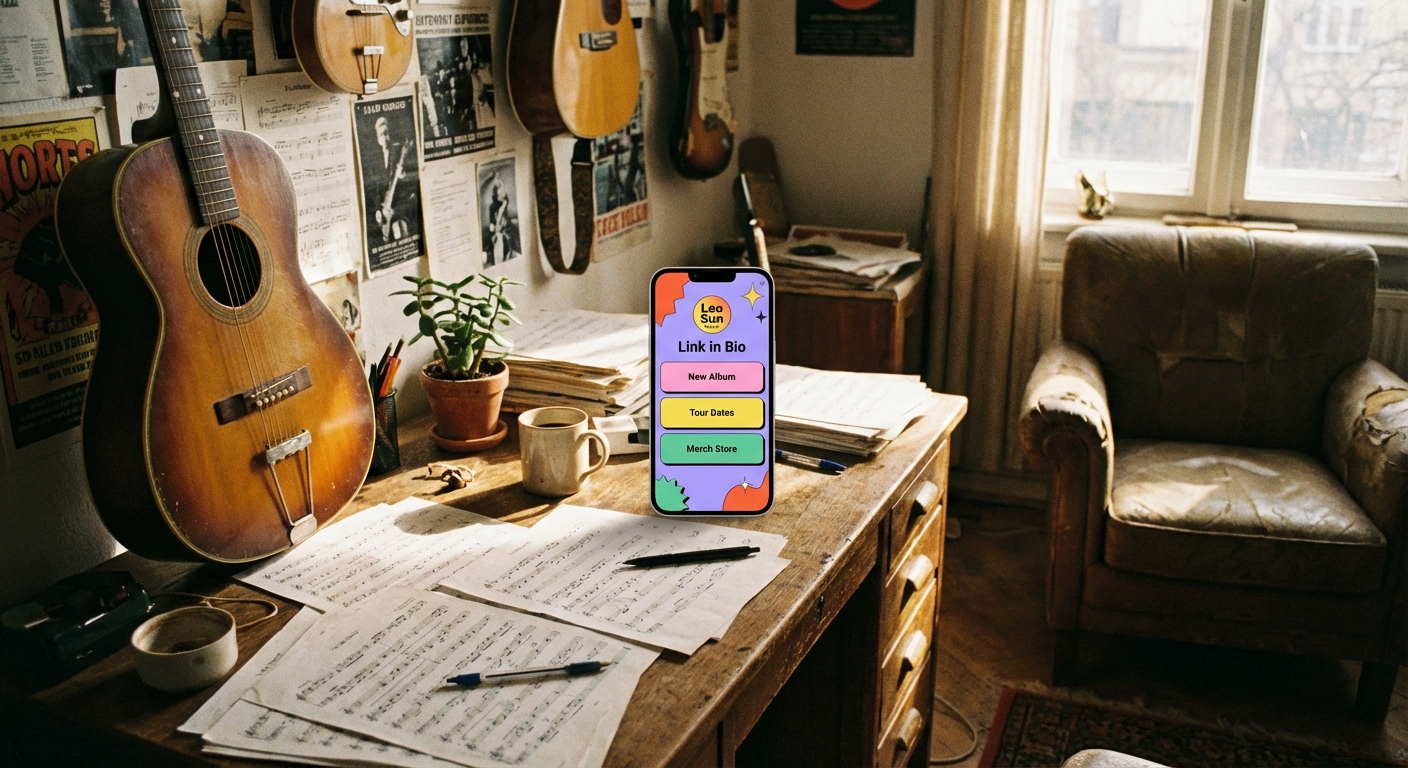
Your link in bio page is a big part of your music brand. A messy page with default colors makes you look like you just started. A clean, branded page makes you look serious about your music. Little design choices matter. Pick a background that doesn’t clash with your text. If you use a photo, make sure it’s high quality and the buttons are easy to read over it. Dark backgrounds with light text work for lots of genres. If your music is upbeat, use bright colors. If your sound is moody, lean into dark, minimal designs. Keep button labels short and clear. ‘Spotify’ or ‘YouTube’ is better than a full sentence. People skim these pages fast—one or two words per button works best. Match your fonts to your style. A metal band doesn’t use a cute rounded font, and a pop singer probably won’t use a heavy industrial one. Most tools give you a few good options. If you’re not sure, pick a simple sans-serif font. Always check your page on different devices—your phone, a friend’s, a tablet. Make sure nothing’s broken, embeds work, and links open. Send it to someone who doesn’t know your music and see if they know what to tap.
Your page's appearance communicates a lot about your professionalism and attention to detail. Consistent branding across your link page and other social media profiles helps fans immediately recognize you. A well-designed page isn't just aesthetically pleasing; it also makes navigation intuitive, guiding visitors to the most important content without confusion.
Using QR Codes to Get More Bio Link Scans Offline
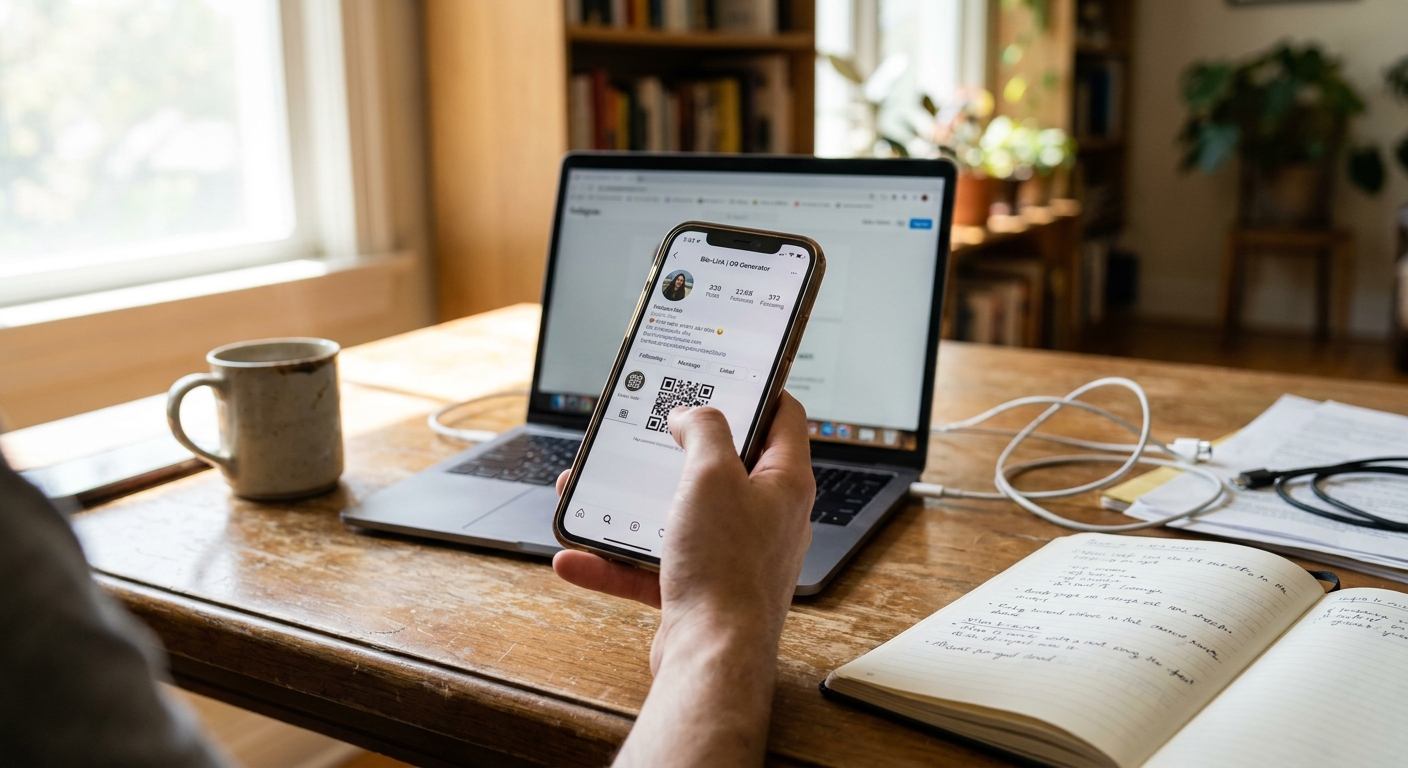
You can’t paste a link onto a gig poster or T-shirt, but you can put a QR code that opens your link in bio page when someone scans it. This connects your offline fans to your music online. A fan at your show scans the code on your merch table or sticker and lands right on your page with all your streaming links ready to go. Most link in bio tools, including Linkx.ee, make QR codes automatically. Download it as a high-res image and stick it on posters, stickers, business cards, or even your guitar case. Make sure the code is big enough—a one-inch QR on a poster is too small. Go for two inches or more. Add a quick instruction like ‘Scan to hear our music’ or ‘Scan for all streaming links’ so people know what it’s for. Don’t assume everyone knows how QR codes work. Print test codes before you make a bunch of stickers. Try scanning with your phone and make sure it opens the right page. Test on both iPhone and Android. If it’s hard to scan, make it bigger or use higher contrast.
QR codes bridge the gap between your physical presence and digital content. They are incredibly useful for capturing interest at live events, where fans are often eager to learn more about you but might not remember a long URL. By making it simple to scan and access your full digital presence, you ensure that every interaction, whether online or offline, has the potential to convert into a lasting fan connection.
Tracking What Works and What Doesn’t
Analytics tell you what fans actually care about. If your YouTube link gets five times more clicks than SoundCloud, maybe you should put more energy into videos. Check your click data every week. Look for patterns—do Instagram and TikTok fans click different links? Do people skip your merch but hit your Patreon? Is your mailing list getting ignored? Use that info to rearrange links or cut the ones that don’t matter. Watch what happens when you move links around. If your tour dates link gets more clicks at the top, leave it there. If a new presave button gets ignored, maybe the label isn’t clear or your fans don’t know what a presave is. Some tools show views and unique visits. Lots of views but few clicks means people aren’t that interested, or your page isn’t clear. Low views means you’re not promoting your link enough—remind people in posts, stories, and video descriptions.
Understanding your analytics is like having a roadmap for your audience's interests. This data helps you make informed decisions about your content strategy and where to focus your marketing efforts. By regularly checking which links get the most attention, you can continuously optimize your bio page to better serve your audience and achieve your artistic goals.
Common Mistakes Musicians Make With Bio Link Pages
The biggest mistake is setting up your page once and never touching it again. Your link in bio should change as your music changes. New single? Move that link to the top. Tour over? Delete the ticket link. Not using SoundCloud? Take it down. Broken or outdated links make you look inactive. Another mistake is adding too many links. Just because a tool lets you add 30 doesn’t mean you should. People won’t scroll forever. Stick to 6–10 links. If you have more, cut or group them. Vague buttons confuse fans. ‘Click here’ means nothing. ‘New single’ is better, but ‘Listen on Spotify’ or ‘Watch the video’ is even clearer. Every button should say what happens when you tap it. Skipping mobile design is another problem. Some musicians only check their page on a laptop, so text is tiny or buttons are broken on phones. Always preview on mobile. Last, don’t forget to promote your link. The perfect page does nothing if fans never see it. Add it to every bio, mention it in captions, put it in video descriptions, and talk about it at shows.
Another frequent error is not optimizing link order for current goals. If you have a new album dropping, that link should be front and center. If you're touring, ticket links take priority. Always align your top links with your most immediate promotional objective to direct fan attention effectively and maximize impact.
Common Questions About linktree for musicians
What is a linktree page for music?
A linktree page for music is a single online destination where artists list all their important links. This includes streaming services, social media profiles, merchandise stores, and tour dates. Fans can tap one link in your bio and see every way to connect with your music and brand.
Why do musicians need a link in bio page?
Musicians need these pages because social media platforms often limit you to one bio link. An artist bio link page lets you direct fans to all your platforms at once. This helps you avoid losing listeners who might prefer a different streaming service or want to explore more of your work.
Can I track clicks on my artist links?
Yes, most platforms for artist link pages offer analytics features. You can see how many times each link is clicked and sometimes even where your traffic comes from. This information helps you understand what your fans are most interested in.
Are link in bio pages free to use?
Many link in bio tools offer free plans with essential features. These plans often allow you to create a basic page with multiple links. Paid plans usually provide more customization, advanced analytics, and additional features like music embeds or custom domains.
What to Do Next
Grab your phone and list every platform your music is on. Write down each link—streaming, merch, tickets, Patreon. That’s your starting list. Now, pick a link in bio tool that fits what you need. If you want unlimited links, music embeds, and custom branding without monthly fees, check out Linkx.ee. If you already use something else, make sure it actually has what you need. Build your page in one sitting. It should only take ten minutes. Add your links, upload a good photo, pick colors that match your music, and preview on your phone. Once it’s ready, copy the URL and put it in your Instagram bio, then do the same on TikTok, Twitter, and anywhere else you share your music. Get a QR code for your page and save it. Next time you make posters or stickers, add the code and a quick instruction. Hand out a few test stickers at your next show and see if your page views go up as fans scan. Set a reminder to review your link page every two weeks. Check analytics, update your top links, and remove anything old. Your music career moves fast—make sure your link in bio page keeps up with you.