Why One Link Shouldn't Mean One Destination
Picture this: a dance creator with 45,000 Instagram followers spends months building her audience. She posts every day, replies to comments, and teams up with other creators. When it’s time to launch her first digital product, she faces a tough choice: does her Instagram bio link send people to her new shop or to her YouTube channel? She can only have one link. The week she changed it to her shop, her YouTube traffic dropped by 30%—just because of that single decision.
Instagram only lets you add one clickable link to your profile. But most creators have more than one thing to share—your latest video, your shop, your email list, a brand deal, or your other socials. This is where an Instagram bio link tool makes all the difference. Instead of picking just one spot, you turn that lone link into a mini landing page packed with buttons that each lead somewhere different. You get to decide what’s featured at the top and what your followers see first.
What an Instagram Bio Link Tool Does for You
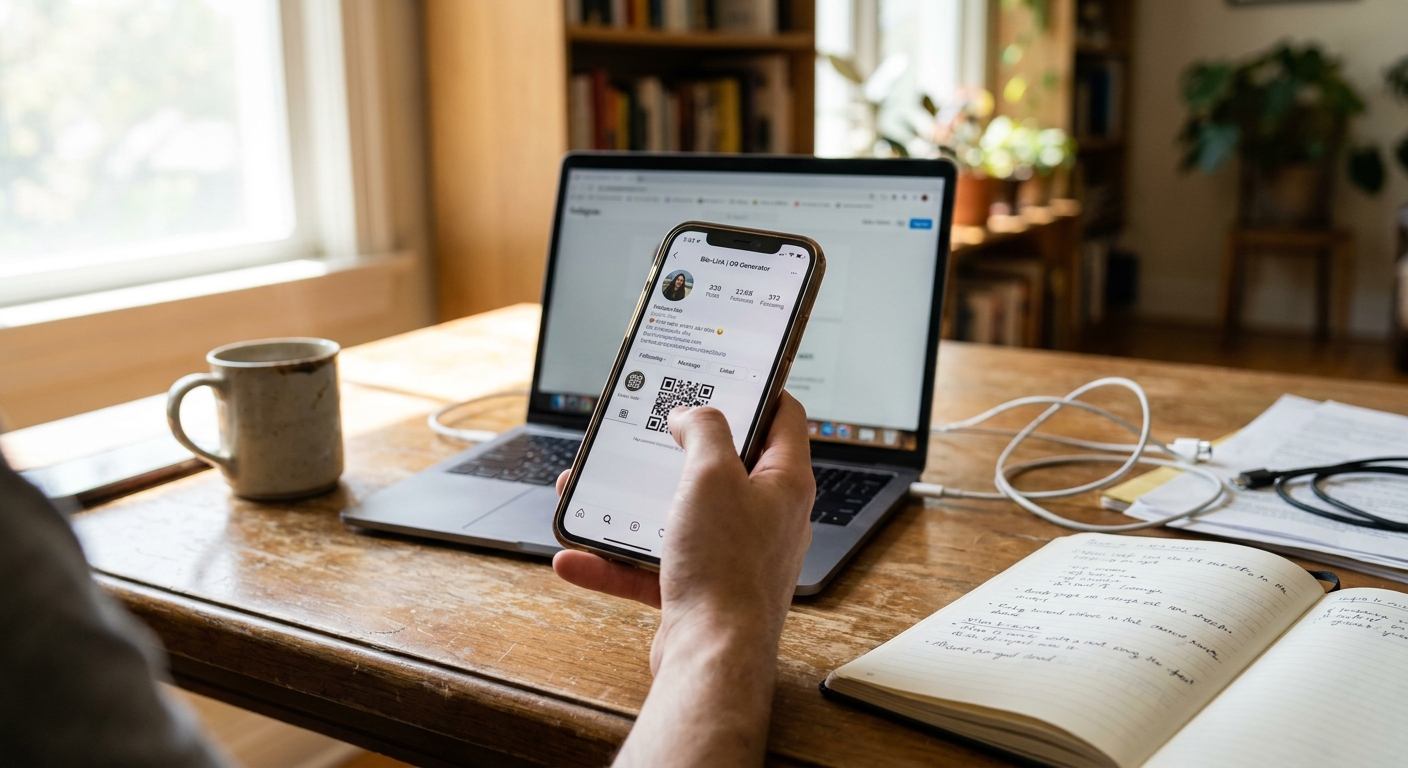
An Instagram link tool builds a landing page that lives at a custom URL. You paste that URL in your Instagram bio. When someone taps it, they’ll see your photo, a short intro, and a lineup of buttons. Each button has its own label and leads to a different link. Maybe one button goes to your YouTube, another to your Etsy, and a third to your newsletter signup.
This link page updates whenever you need. Posting a new video? Add a button in seconds. Finished a promo? Remove the link just as fast. Your Instagram bio link stays the same, but the page behind it changes as often as you want. According to a 2023 Later report, more than 68% of creators with over 10,000 followers use some kind of Instagram bio link tool to manage their traffic.
Most Instagram link page tools also track clicks. You can see which buttons get the most attention, when people are clicking, and which posts drive the most traffic to your link page. This helps you spot what your fans actually care about. If your merch button gets way more clicks than your podcast button, you know what to promote next.
How to Pick the Best Instagram Bio Link Maker for You
Not all bio link builder Instagram options work the same. Some focus on making your page look great. Others give you better stats. A few are built for selling products right from your link page. Here’s what to check for before you choose one.
If you want your page to match your brand, look for a tool that lets you change colors, fonts, and button styles. Your Instagram profile link page should feel like it belongs with your Instagram feed, not like a basic list. Upload your own photo, add a custom headline, and use your exact brand colors.
Planning to sell? Pick an Instagram bio link tool with built-in shop features. Some let you display product images, prices, and descriptions right on your link page. That way, people can check out your products without scrolling through a bunch of text links. One skincare creator with 22,000 followers tried two link pages—one with just text buttons, and one with product images. The image version got 40% more clicks to her shop.
If you care about analytics, make sure the Instagram link tool shows button-by-button stats, not just total views. You need to know which links actually get clicked. Some tools also break down where your clicks come from—Instagram, TikTok, or somewhere else—which is useful if you share the same page on multiple platforms.
Need flexibility? Some free plans limit you to just a few buttons. That might work at first, but you’ll outgrow it quickly. Look for a plan with at least ten links, even if you don’t use them all right away. You’ll add more as your audience grows.
Setting Up Your Instagram Bio Link Page in Under Ten Minutes
Most Instagram bio link maker tools follow a similar setup. You create an account, pick a username, and get a URL like yourname.link or yourname.bio—this becomes your Instagram bio link.
Add your first few links. Each needs a title and a destination URL. Keep titles short and action-focused. Instead of just 'YouTube', say 'Watch my latest video'. Instead of 'Shop', try 'Get 15% off my merch'. Direct, specific text gets more clicks.
Next, customize the look. Upload a profile photo that matches your Instagram. Write a quick one-liner about who you are or what you do. Pick colors that match your brand. If your Instagram is all about pinks and creams, your link page should be too. Consistent style builds trust.
Finally, copy your new link and paste it into your Instagram bio. Go to your profile, tap Edit Profile, and add the URL in the Website field. Save it. Now, everyone who taps your bio link lands on your custom Instagram profile link page instead of just a single site.
The whole thing takes less than ten minutes, but the payoff is big. Instead of having to pick one link, you can showcase five, ten, or more. Instead of guessing what people click, you get real numbers. And instead of swapping out your bio link every time you have something new, you just update your link page.
What to Put on Your Instagram Link Page for Best Results
The best Instagram link page tools let you build a page that’s more than just a list of links. The order of your links matters—what’s on top gets the most clicks.
Start with what matters most right now. This is your main focus for the week—maybe it’s a product launch, email signup, or latest video. Put that link first and use clear, direct button text.
Add your evergreen links next. These are things that don’t change much, like your main shop, YouTube channel, podcast, or email signup. They stay on your page for months at a time.
Then, add any timely links—ongoing promotions, new content, or limited offers. For example, a fitness creator might add a button for a seven-day challenge, while a musician could link to a presave for a new single. These buttons come and go as needed.
If it fits, add a link or two for social proof—like media features, testimonials, or your portfolio. They aren’t must-haves, but they can help build trust if someone’s on the fence about following or buying from you.
Avoid adding more than eight to ten links. Too many choices make people freeze and leave without clicking. A travel creator tested a link page with 15 links and one with just six. The six-link page got 55% more total clicks—even with fewer options.
How Creators Use Instagram Bio Link Tools to Drive Sales and Engagement
An Instagram bio link tool is especially useful if you sell products or services. A Shopify survey from 2022 found that 44% of small business owners said Instagram was their best platform for sales. But Instagram doesn’t allow clickable links in posts—just in your bio.
For example, a jewelry maker with 18,000 followers treats her link page like a mini storefront. Her top three buttons lead to her best-sellers: earrings, necklaces, and rings, each with a product photo. Below those, she’s got new arrivals and sale items. At the very bottom is a signup link for her email list with a 10% discount. When she posts a new product on Instagram, she tells people to 'shop the look in bio'—and her followers land right on the page with exactly what they want.
A fitness coach uses his Instagram bio link page differently. His top button always points to his current program. Under that, there’s a free workout guide to collect emails, then links to his YouTube channel, podcast, and finally, an Amazon shop for gear. When he launches something new, he just swaps out the top button. His bio link never changes, but the offers do.
Some creators use their Instagram profile link page to book clients. A photographer links to her portfolio, pricing, and booking calendar. A business coach links to a free strategy call, her course, and a coaching application. The Instagram link tool becomes the central place that sends people to the right spot.
The key is making it obvious what to do next. When someone lands on your link page, the main action should jump out—ideally in five words or less, with a bold button that stands out from the rest.
Tracking What Works With Click Analytics
The best part about using an Instagram bio link tool is the data. You finally see what your fans are actually clicking, not just what they like or comment on.
Most Instagram link page tools show total clicks for each button. For example, you might see your YouTube button got 340 clicks last week, while your shop got 89. That tells you what people are interested in right now. Maybe you thought people wanted to shop, but your videos get more love. This info can change what you focus on next.
Some tools also show clicks by day and time. You might notice a spike on Tuesday and remember you posted a Story that day. Or you see a weekend drop and realize your audience is less active then. This helps you plan when to post and when to push your bio link.
A few Instagram link tool options even break down where your clicks come from. Maybe 70% are from Instagram, 20% from TikTok, and 10% from direct traffic. If you’re working hard on TikTok but not getting many clicks, it might be time to adjust your strategy.
One podcaster saw her Patreon button barely got clicks, even though she mentioned it all the time. She moved it up to the second spot on her link page—right under her latest episode. Clicks jumped 200% in two weeks. The analytics showed her what was wrong, and a quick fix made all the difference.
Why Branded Instagram Bio Link Pages Matter More Than You Think
Your Instagram bio link page is often the first time someone sees your brand outside of Instagram. If the page looks messy or basic, people lose trust. If it matches your style, you look more professional and credible.
A branded Instagram bio link tool lets you use your colors, fonts, and vibe. The goal is for your followers to feel like they never left your Instagram. The visuals, tone, and energy should stay the same from your feed to your link page.
A platform like Linkx.ee helps you do this easily, even if you’re not a designer. You can customize the background, button shapes, and fonts. Add your profile photo and a header image for extra flair. If you want, you can even use your own domain—so the link in your bio is yourname.com instead of a shared URL.
Branding also means being consistent. If you change your colors every week, people won’t recognize your page. Pick a look that matches your Instagram and stick with it. Swap out links as much as you want, but keep the overall style the same.
A food blogger tested two versions of her link page: one with her brand colors and fonts, and one with the default white background and blue buttons. The branded version kept people around 30% longer and had an 18% higher click-through rate. People trust and interact more when the page feels like it was made just for them.
Common Instagram Bio Link Mistakes That Hurt Clicks
Even with the best Instagram bio link maker, creators sometimes make mistakes that cost them clicks. The biggest one? Treating the link page like a dumping ground. They add every link they can think of, without thinking about what’s most important. The page ends up as a wall of random buttons. People get overwhelmed and don’t click anything.
Weak button text is another common problem. Buttons like 'Click here' or 'Link' don’t tell people what they’ll get. Instead, use text like 'Watch my morning routine' or 'Get my free meal plan' so there’s a clear reason to tap.
Some creators never update their Instagram profile link page. They set it up once and leave it for months. The top button might link to a product that’s sold out or a video from last year. Update your link page at least every month, even if it’s just moving buttons around or adding something new.
Bad mobile design will cost you clicks too. Most people use Instagram on their phones. If your link page has tiny buttons, takes forever to load, or uses hard-to-read fonts, you’ll lose visitors. Always test your page on your phone before sharing it.
The last mistake is forgetting to tell people about your link. Just adding a link in your bio isn’t enough. Mention it in your captions and Stories. Remind your followers to check your bio for new stuff. Creators who say 'new video up—link in bio' always get more clicks than those who don’t mention it at all.
Common Questions About Instagram bio link tool
How do Instagram bio link tools work?
They create a single custom URL that you place in your Instagram bio. When tapped, this URL leads to a mini landing page with multiple buttons. Each button directs followers to different content or destinations.
Can I track clicks on my bio links?
Yes, most tools include analytics features. You can see how many times each button is clicked. This helps you understand what content or offers resonate most with your audience.
What should I put on my Instagram link page?
Prioritize your most important current content at the top. Include evergreen links to your main platforms or shop. You can also add timely promotions or signup forms.
Are Instagram bio link tools free?
Many Instagram bio link tools offer free plans. These often have basic features and limit the number of links. Paid plans provide more customization options and detailed analytics.
What to Do Right Now: Launch Your Instagram Bio Link Tool
Choose one Instagram bio link tool and set it up today. Don’t wait for it to be perfect. Start with three links: your most important destination, your email signup, and one social channel. Customize your colors so your page stands out. Write button text that clearly says what people get when they click.
Update your Instagram bio with your new link. Post a Story showing off your link page and let your followers know what’s there. Watch your analytics for a week. See which button gets the most clicks, and move it to the top if it isn’t already.
If you sell products or services, add a shop button this week and track how it performs. If you post content on multiple platforms, add a button for each. Make it easy for people to find you everywhere.
Most Instagram link tool options have free plans or free trials, so you don’t have to spend anything to get started. But if you want more detailed analytics and better design choices, upgrading is worth it—seeing what your fans actually do pays off fast.
Remember, your Instagram bio link is the only clickable link on your whole profile. Make it count. Use a tool like Linkx.ee to turn that one link into a landing page that grows with you and your audience.