What Does 'Link in Bio' Actually Mean?
You see it everywhere on TikTok and Instagram. A creator posts a funny video, shares a new song, or drops a discount code, and then writes 'link in bio' in the caption. You tap their profile, curious about what they're sharing, but you only see one clickable link. So where are all those links they keep mentioning?
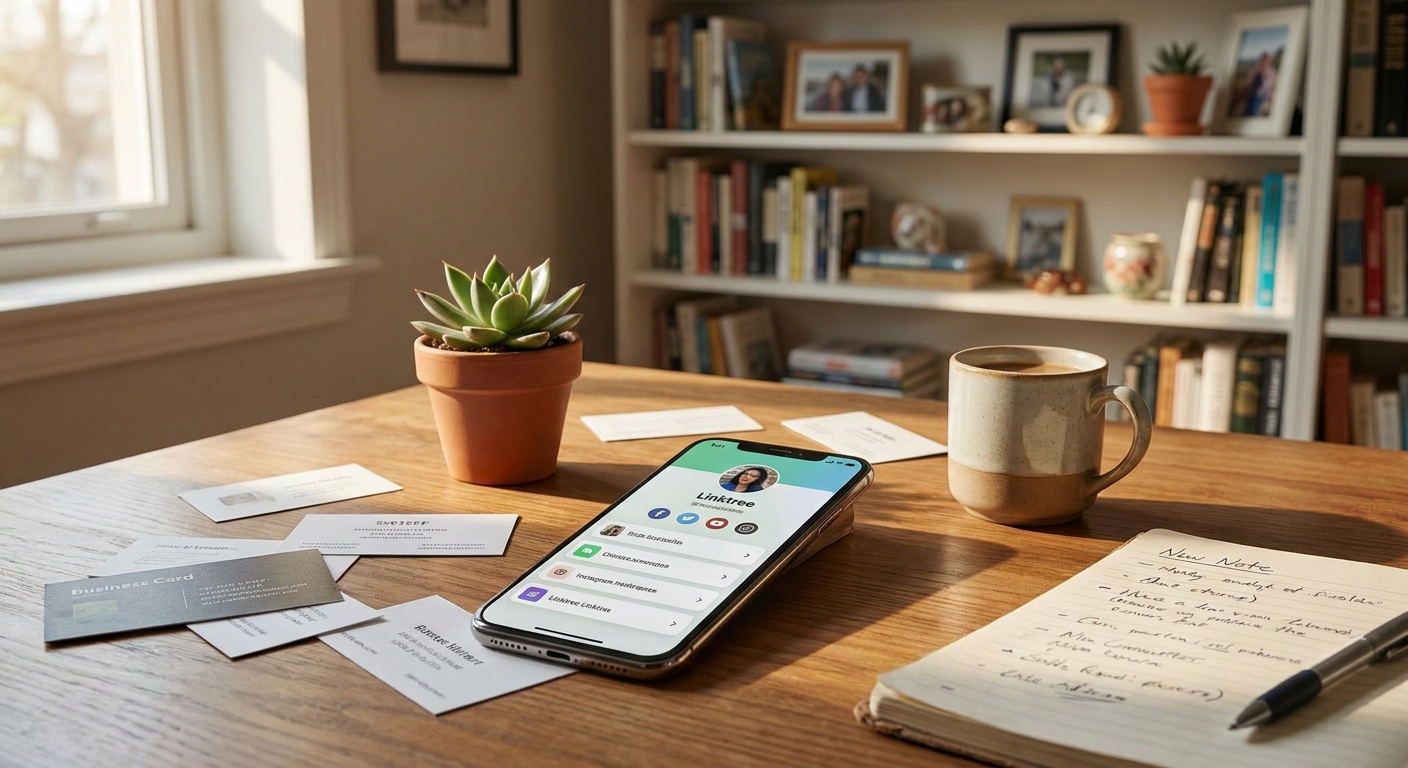
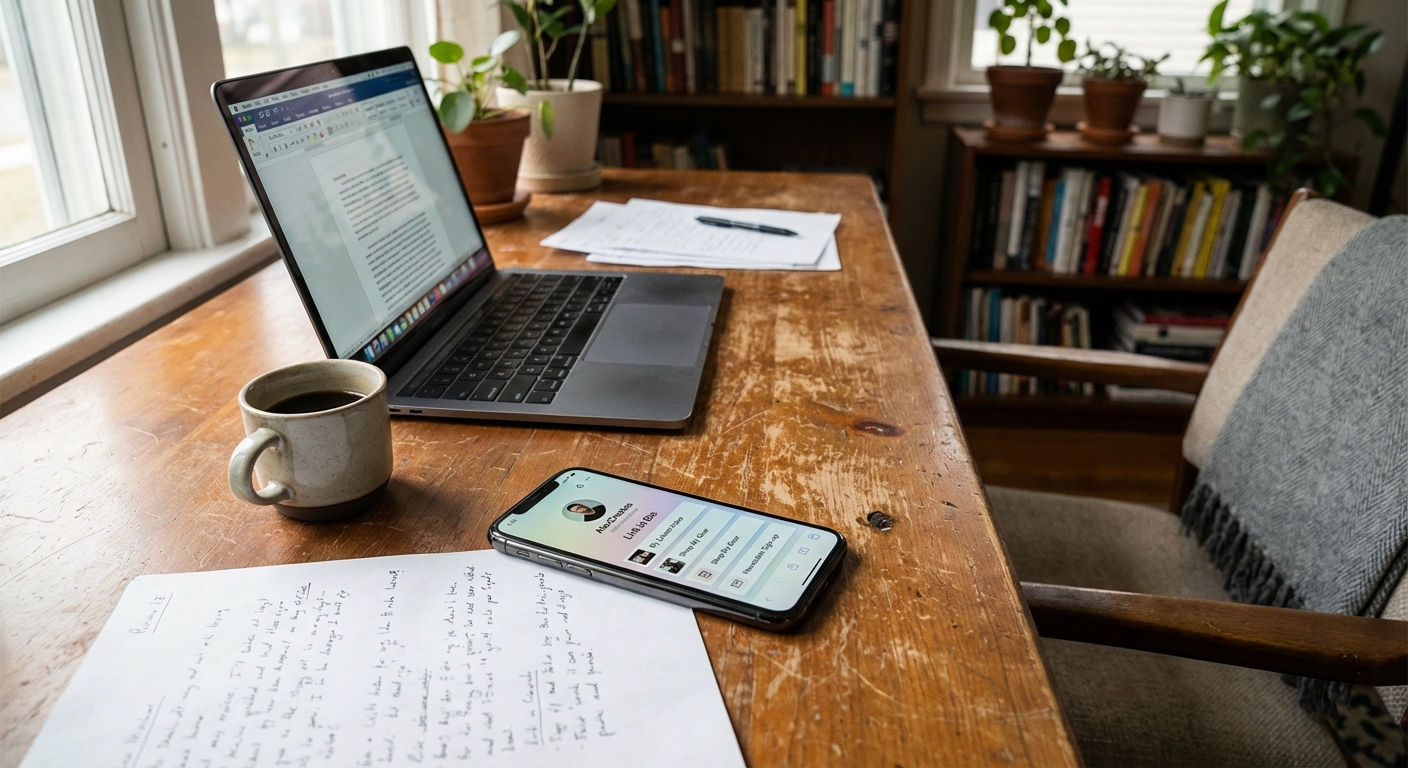
That one link leads to a special page called a 'link in bio' page. It's a single spot where all the links they want to share are organized together. You might see their YouTube channel, online shop, podcast, blog, or even a newsletter signup—all on one page that looks good and loads fast on your phone. When someone tells you to check their link in bio, they're sending you to that one page, where you can find everything worth checking out in their world.
Why You Need a Link in Bio Page (Even If You Only Have Three Links)
Instagram and TikTok only let you add one clickable link to your profile. If you want to share your YouTube, your Etsy shop, and your Spotify, you have to pick one and ignore the rest. Unless you constantly swap out the link, you never get to show off everything you do.
According to HubSpot, 73% of social media users say they have clicked a link in a creator's bio at least once. So most people who visit your profile expect to find something useful in your bio. If your only link is old or irrelevant, you miss your chance to guide them to your latest work, shop, or post. That's why a link in bio page is so useful—it acts like your own mini website. You update it once, and everyone who clicks your profile link sees your latest links, all neatly organized. No more editing your Instagram bio every day.
Even if you only have two or three links to share, using a link in bio page still makes you look more professional. It loads quickly, feels modern, and gives you space to add more links as you grow. When you want to add a new link, you just update your page—no need to change your profile again.
What You Need Before You Start
Learning how to create a link in bio page is quicker than making lunch, but you'll want a few things ready first. Start by making a list of the links you want to share—maybe three to five to start. Consider what matters most to your audience. For example, if you sell products, put your online shop first. If you post videos, make sure your YouTube or TikTok is easy to find.
Next, pick a profile photo or logo for your page. This should be the same photo you use on your main social accounts so people recognize you. It needs to be a square image, at least 400 pixels wide. Most phones take photos big enough for this, so any recent selfie or logo file will work.
Think up a simple headline or page name. This short bit of text appears under your photo to tell visitors what you do or what they’ll find. Keep it under ten words and make it specific. Examples: 'Travel tips and gear reviews', 'Music producer and beat maker', or 'College student sharing study hacks'. This helps people know what to expect when they check out your links.
How to Create a Link in Bio Step by Step
Ready to set up your page? Here's how to create a link in bio the easy way using Linkx.ee—a platform that lets you create your bio link page for free with unlimited links and basic design tools.
Go to the Linkx.ee sign-up page and register for a free account. All you need is an email and password. Once you verify your email, you'll land on your dashboard. This is where you build your link in bio page.
Click the button labeled 'Add Link' or 'Create New Link'. A simple form will pop up asking for a link title and the URL. The title is what people see, like 'My YouTube Channel' or 'Shop My Merch'. The URL is the full address, such as 'https://youtube.com/yourchannel'. Enter both and hit save.
Repeat this for every link you want to add. You can usually drag and drop your links to set the order—put your most important link at the top. When you're done adding links, look for a section called 'Appearance' or 'Design'. Here, upload your profile photo and type your headline. Some tools let you choose colors, fonts, and button styles. Stick with simple, clear choices that match your style and are easy to read on any phone.
When your page looks good, the tool gives you your unique link in bio URL, such as linkx.ee/yourname. Copy it. Open Instagram or TikTok, go to your profile, tap 'Edit Profile', and paste your new link in the 'Website' or 'Link' field. Save your changes. Now, anyone who taps your profile link sees your full link in bio page with all your links neatly laid out.
Choosing the Right Links for Your Link in Bio Page
Not every link should make the cut. You have limited space, and people scroll fast on phones. If you show twenty links, most visitors won’t bother clicking any of them. The goal is to highlight what matters most right now. Think about what you’re talking about in your latest posts. If your last five TikToks push a new song, put your Spotify link at the top. If you just launched a blog, make sure that link is easy to find without scrolling.
Set your links by priority. Your top link should match what you’re promoting most. For a small business, that’s probably a product page or booking form. For creators, maybe a new video or Patreon. The next links should support the first. These can be your email signup, portfolio, or latest project. Underneath, add links that stay relevant, like your LinkedIn or media kit.
Don’t add links just because you can. Each one should have a good reason to be there. If you haven’t posted on Twitter in half a year, skip it. If your Facebook isn’t about your photography business, leave it out. A short list of useful links gets more clicks than a long list of random ones.
Designing Your Link in Bio Page for More Clicks
Looks matter more than most people think. If your page is messy or hard to read, visitors will leave before clicking anything. But a clean, simple page with clear titles and good contrast invites people to explore. You don’t have to be a designer to get this right—just follow a few basics.
Use a clear photo or logo that’s easy to recognize even on a small screen. Avoid blurry images or anything with too much detail. Test your page on your phone. If your picture is hard to see, pick something simpler.
Write short, clear link titles. Instead of 'Click here to watch my latest YouTube video about travel tips for Europe', just write 'Europe Travel Tips Video'. People scan fast. Short, direct titles help them find what they want.
Choose a button color that stands out from the background. If your background is white, use dark buttons. If you have a dark theme, use light buttons. Stay away from colors that clash or make text hard to read. Most link in bio tools have color presets that work well. If you use your own brand colors, always check that your text is easy to see.
Common Link in Bio Mistakes and How to Avoid Them
The biggest mistake is adding broken links. You paste a URL, think it's fine, and forget about it. Weeks later, someone clicks and gets a 404 error. Always test every link before you publish your page. Click each one on your phone. If a link breaks later, fix it as soon as you spot it. Broken links make you look sloppy.
Another mistake is forgetting to update your page. You launch something new, post about it on TikTok, but your link in bio still points to old stuff. Visitors click expecting the latest thing and get disappointed. Make it a habit to check and update your link in bio whenever you post something important. Move new links to the top and remove anything outdated.
Some people write vague link titles. A button that just says 'Click Here' isn’t helpful. 'My Store' is better, but 'Shop Handmade Jewelry' is even clearer. The more specific your link titles, the more likely people are to click. Vague titles make people guess. Most won't bother—they'll just scroll on.
How to Track What Works on Your Link in Bio Page
Once your link in bio page is live, you’ll want to know which links get the most clicks. Most platforms include basic stats showing how many people visited your page and which links they clicked. Use this info to see what your audience actually cares about. If your YouTube link gets 50 clicks and your blog link gets two, you know where to focus.
Check your stats every week. Look for patterns—did a certain link get more clicks after you posted about it? Does something at the bottom of your page get ignored? Use this data to move popular links higher and remove or swap out links that don’t get clicks. Over time, you’ll get a feel for what works best for your followers.
Some tools let you use tracking codes called UTM parameters, which help you see which social platform sends you the most traffic. If you post your link in bio on Instagram, TikTok, and Twitter, you can see which one drives the most clicks. This is a bit more advanced, but if you want detailed info, it’s worth trying. For most people, the basic stats are enough to get started.
What to Do After You Set Up Your Link in Bio Page
Your link in bio page is live—now it’s time to use it. Mention it every time you post about something new. If you share a TikTok about a new song, remind people: 'Link in bio to listen.' If you post an Instagram Reel with a discount code, say 'Check my link in bio for the code.' The more often you mention your link in bio, the more clicks you’ll get.
Keep your page fresh. Every few weeks, review your links and remove anything old. Add new links when you have something new to share. Your link in bio page should change as you do—if you start a podcast next month, add the link. If you quit selling a product, delete that link. Keeping your page current shows followers that you’re active and paying attention.
Try different layouts and link orders. For example, put your email signup at the top for a week, then move it down and see if clicks change. Watch your stats and adjust. Some audiences prefer video links first, while others want your store or blog. You won’t know until you experiment. Treat your link in bio page as something you can always tweak for better results, not a project you set up once and forget.
Common Questions About how to create a link in bio
How many links can I add?
Most link in bio tools allow you to add many links. Some platforms, like Linkx.ee, let you include an unlimited number of links on your page.
Can I change my link in bio often?
Yes, you can update your link in bio page as often as you like. It's a good idea to refresh your links regularly to match your latest content or offers.
Do I need a special app for a link in bio?
You don't need a special app to create one. Many online services like Linkx.ee let you build and manage your page directly through your web browser.
Is a link in bio free to make?
Many platforms offer free versions to create a basic link in bio page. These free options usually include essential features for sharing your links.
Ready to Create Your Own Link in Bio Page?
If you want to make your own link in bio page today, it only takes a few minutes. With a tool like Linkx.ee, you can share all your important links on one clean, mobile-friendly page. Sign up for free, add your links, and start guiding your followers to everything you create.
Once your page is set up, remember to share it widely across all your social platforms. Update your profile links on Instagram, TikTok, Twitter, and anywhere else you connect with your audience. This simple step ensures that everyone who finds you online can easily access all your content and offers.