Why You Need a Page With All Your Links
Picture a jewelry maker who posts to Instagram three times a day. She mentions her Etsy shop, TikTok tutorials, and email list in her captions—but Instagram only lets her add one link in her bio. She chooses Etsy. Two weeks later, she checks her stats. No clicks from Instagram to her email signup. Zero traffic to TikTok. People want more, but they can't find where to go. This is a common problem for creators: social platforms limit you to one link, but your followers want to see everything you offer. You might have a shop, a YouTube channel, a podcast, or a booking form. An all my links page is the fix, putting everything your audience needs in one spot. According to Hootsuite, 67% of social media users follow brands or creators to stay up to date on products and content—but most creators make it way too hard for people to find all their links in one place.
When followers can't easily find what they're looking for, they often give up and move on. This means lost sales, missed sign-ups, and slower growth for your brand. An all my links page prevents this by acting as a central hub, making it easy for your audience to explore everything you offer, driving traffic to all your platforms and helping you connect with them more effectively.
What Is an All My Links Page?
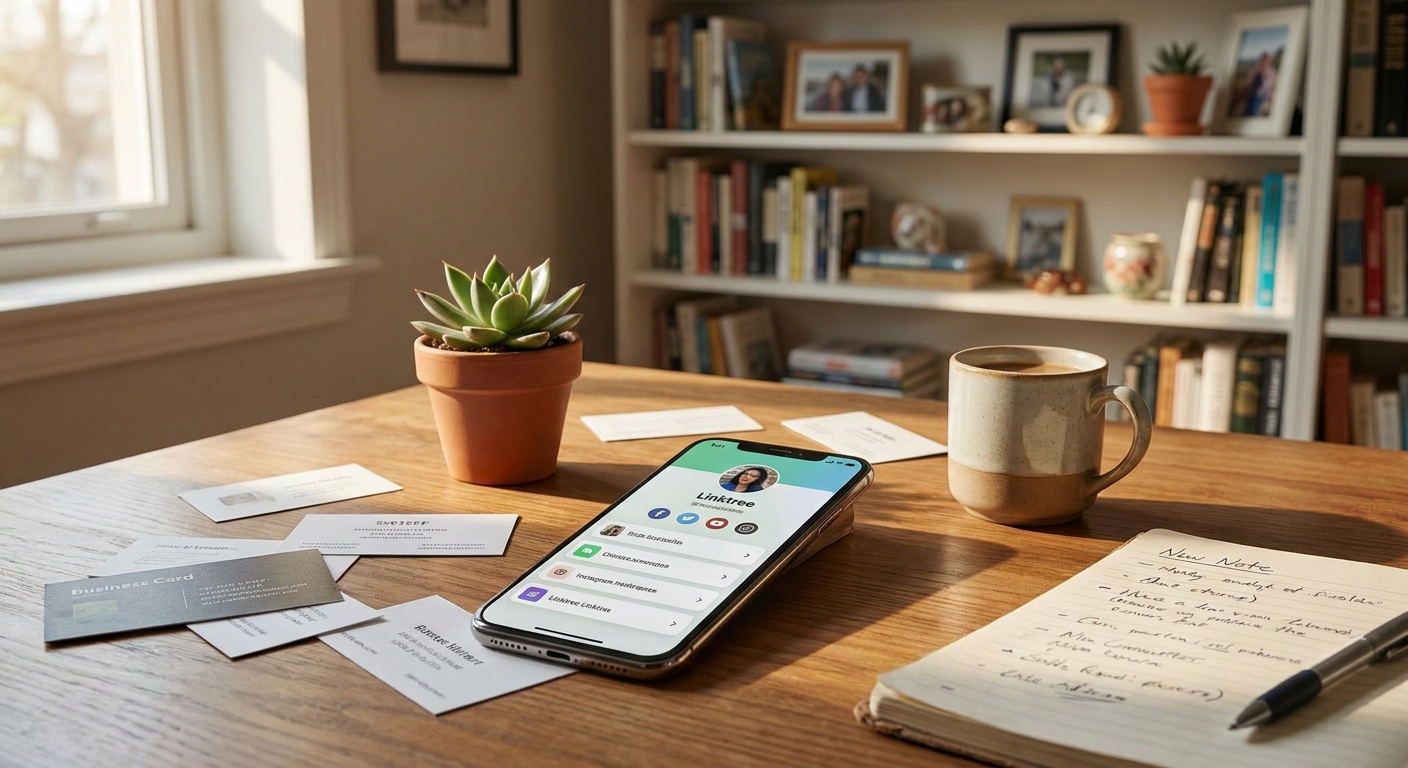
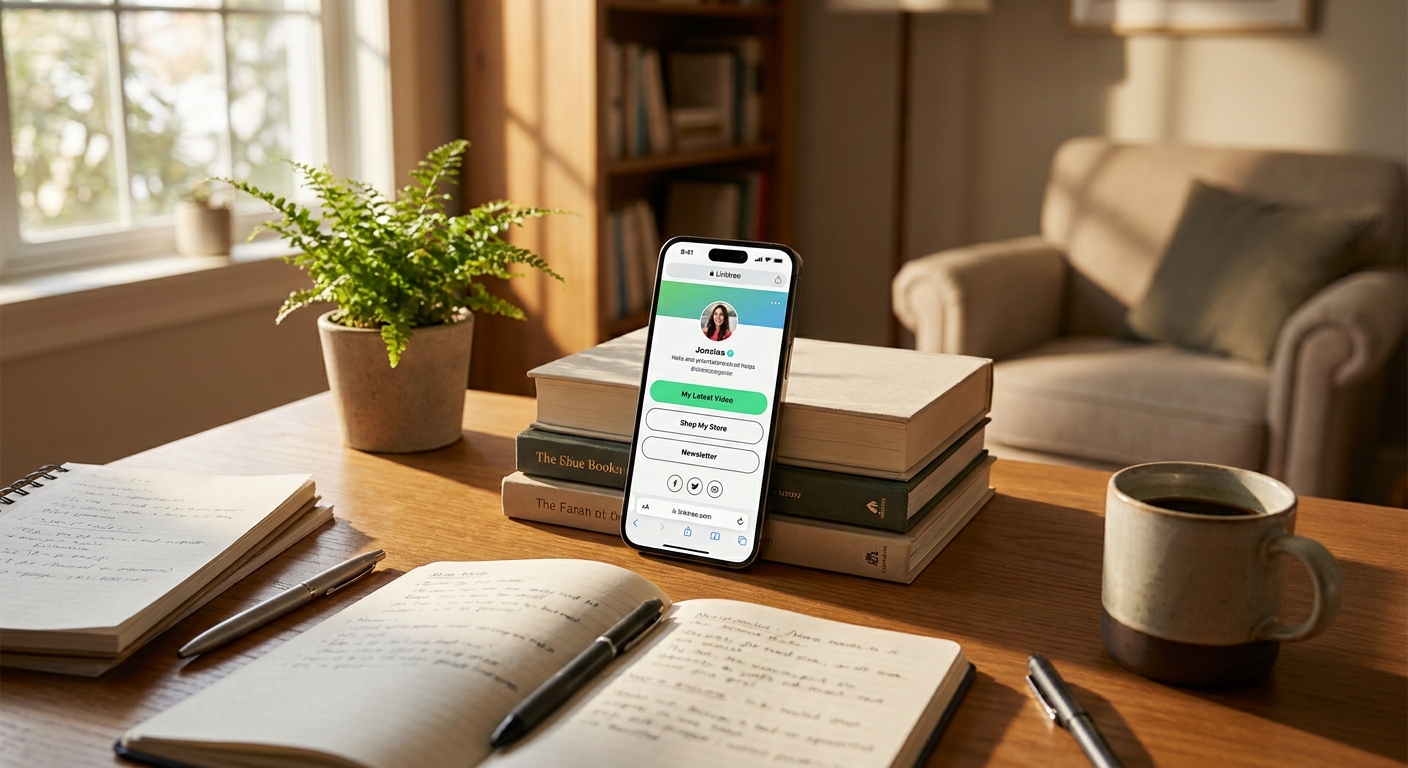
An all my links page is a single landing page that holds every important link you want to share. Instead of picking just one for your Instagram bio, you add a link to this page. Anyone who taps it sees clear buttons for your shop, your latest video, your contact form, your Spotify, and anything else you want people to find.
This page lives at one web address. You can put that URL in your Instagram bio, your TikTok profile, your YouTube about section—wherever people might look for your links. Whenever you have something new to share, you simply update the page. No more scrambling to swap out bio links. People always land on your most current content and offers, not an old post you forgot to update.
How Putting All Social Links in One Place Helps You Grow
If someone finds you on TikTok and wants to follow you on Instagram, they shouldn't have to dig around. When a fan sees your reel about a new product, they shouldn't scroll through old stories looking for your shop link. Every extra step costs you followers. HubSpot reports that 76% of people expect to find what they want within two clicks. If they can't, they leave.
With a page that puts all your links in one place, you remove those hurdles. A follower clicks your bio link and instantly sees everything—Instagram, email list, shop, contact info. They pick what matters to them and go right there. You keep more people moving between your platforms, and you get real data on what your audience actually clicks.
Here’s a real example: a fitness creator tracked her clicks for a month. Before using an all links one page, she posted her workout plan in stories and got about 40 clicks per week. After switching to a link page with the workout plan at the top, she saw 180 clicks in the first week. Same audience, same content—the only difference was making the right link easy to find.
What to Put on Your All Links Landing Page
Your all my links page works best when you keep it focused. People land there and scan for what they want in seconds. Put your top priority at the very top. If you sell products, your shop comes first. If you want email subscribers, your newsletter or freebie goes first. If you’re building a YouTube channel, lead with that.
Most creators include these on their all links landing page:
- Primary offer or content: Your shop, latest video, booking link, or lead magnet. This gets the most attention and clicks.
- Other social profiles: Links to Instagram, TikTok, YouTube, Pinterest—so someone who finds you on one platform can quickly follow you everywhere.
- Contact or collaboration info: Email, contact form, or media kit link for business inquiries.
- Current promotion or announcement: A sale, new product, event, or recent blog post. Keep this section fresh so visitors always see something new.
- Affiliate or recommendation links: Tools you actually use or recommend. Only add these if they help your audience, not just to fill space.
Try to keep the total number of links under ten. Too many options overwhelm people, and they end up clicking nothing. Focus on what’s important right now. Remove anything outdated or that no one’s clicking on.
How to Set Up One Page for All Your Links in Under 5 Minutes
You don’t need a website or tech skills to create an all my links page. Most platforms give you a free page and a custom URL in minutes. Just add your links, pick a layout, and paste the URL into your bio. It’s honestly faster to set up than it is to explain.
Start by picking a tool. Choose one that offers a free plan (no credit card needed), lets you add as many links as you want, and gives you a short, clean URL. Linkx.ee fits the bill, offering color customization and the option to add your logo—no design experience required. Once you choose, sign up with your email or social account. Most platforms take you right into the editor, no waiting for email confirmation.
Add your links one at a time. Each one needs a clear title and a URL. Don’t use labels like 'Click Here' or 'Link'—be specific, like 'Shop My Favorite Skincare' or 'Watch My Latest YouTube Video.' People scan these titles in seconds, so make them obvious. Paste the full URL in the box, and the tool will turn it into a button.
Arrange your links by importance. Drag your top link to the first position. Always preview the page on your phone since that’s where most people will see it. If the buttons are hard to read or the colors look off, adjust them. Then copy your unique URL and add it to your Instagram bio, TikTok bio, and anywhere else you share links. Test it by clicking every button to make sure nothing’s broken.
Free vs Paid: What You Actually Need
If you’re just starting out, you don’t need to pay for a link page tool. Free plans from places like Linkx.ee include everything most creators need—unlimited links, basic customization, click tracking, and a layout that works on mobile. You can add your shop, socials, email signup, and content without paying a cent.
Paid plans usually let you remove the platform’s branding, use your own domain, see more advanced analytics, or add things like email capture forms right on the page. These are helpful if you’re running ads, working with sponsors who want custom branding, or managing a team. But if you’re a solo creator just starting out, these upgrades aren’t necessary.
If you’re unsure about upgrading, check your link stats after a month. Under 100 clicks per week? The free version is more than enough. Over 500 clicks per week and you want deeper data or custom branding? Then a paid plan could be worth it. Until then, stick with free and spend your money on making more content or running ads.
Common Mistakes That Kill Click-Through Rates
The biggest mistake creators make is dumping every link they have onto the page, with no order and boring button labels like 'Link 1' or 'Check This Out.' When someone lands on that mess, they bounce. Your all my links page isn’t a junk drawer—it’s a way to guide people where you want them to go.
Another mistake is leaving old links up for too long. Maybe you added a product launch link and forgot to update it after the sale ended. Or your YouTube link points to a video from months ago while your newest upload is buried. Old links waste space and make your page look neglected. Set a reminder to check your links every two weeks.
Design matters too. If your page has neon backgrounds, too many fonts, or flashy animations, it looks messy and people hesitate to trust the links. Clean layouts with good contrast, simple text, and just one or two brand colors work better. If people talk about how your page looks but don’t click anything, the design missed the point.
Finally, lots of creators never check which links are getting clicks. They assume all their links get the same attention, but usually the top two get most of the action and the rest get almost nothing. If you don’t look at your analytics, you waste space on links nobody uses. Most free tools show you click counts for each link. Check this data every month and remove links that aren’t getting used.
How to Get More People to Your All My Links Page
Your link page only works if people actually visit it. Sure, put it in your Instagram and TikTok bio, but don’t stop there. Mention it in your captions when you talk about something that needs a link. Instead of just 'Link in bio,' try 'Get the discount code from the link in my bio' or 'Full tutorial is on YouTube—find it in my bio link.' Give people a clear reason to click.
Use your Instagram stories to share the link regularly. Add the link sticker and write exactly what they’ll find—'Tap here to shop this look' works better than just the sticker alone. If you mention your email list in a video, put up a story that links straight to the signup. The more places you share your all my links page, the more chances people have to use it.
Also, include your link page URL in your YouTube video descriptions, podcast show notes, and email signature. When you speak at events or team up with other creators, give them your all my links landing page instead of listing five different URLs. It’s easier for them to share and for people to explore everything you offer in one click.
Some creators even add their link page URL to printed stuff—business cards, flyers, product packaging—using QR codes. For example, a coffee shop owner printed her link page QR code on her to-go cups. Customers scanned it and found her Instagram, loyalty program signup, and catering inquiry. She saw 90 scans in two weeks, which brought in three catering bookings worth over $1,200.
Common Questions About all my links page
How do I make an all my links page?
You can set up an all my links page using a specialized tool like Linkx.ee. Simply sign up, add your important URLs with clear titles, and arrange them by priority. The platform provides a unique URL you can share.
What links should I put on my page?
Focus on your most important content first, like your shop, latest video, or email signup. Also include links to your other social media profiles, contact information, and any current promotions. Keep the total number of links manageable, ideally under ten.
Are all my links pages free to use?
Many platforms offer free plans that include essential features like unlimited links, basic customization, and click tracking. Paid plans usually add advanced analytics or custom branding options, but are not necessary for most new creators.
How often should I update my links page?
Check your all my links page every two weeks or whenever you launch new content or promotions. Move your top priority links to the first spot and remove any outdated or low-performing links to keep the page fresh and relevant.
What to Do Next
Pick a tool and set up your all my links page today—it’s faster than editing a reel. Start with your three most important links: your shop, content hub, or email list. Then add your social profiles. Preview the page on your phone, check that every button works, and put the URL in your Instagram bio and anywhere else people look for your links.
After a week, check your click data. See which links get the most attention and which ones get ignored. Move your top link to the first spot if it’s not there already. Remove or swap out anything with zero clicks. Whenever you launch something new, update your page and take off anything that’s no longer relevant.
If you want to control your layout, colors, and link order without needing to code or pay monthly fees, start with a free Linkx.ee bio profile. You get unlimited links, click tracking, and customization—all free, no credit card or setup fees, and your free plan never expires.